Smart lock installation

Smart lock installation in Austin

Choose the features you will use, then make sure the lock fits the door. We help with smart-lock installation and setup without treating a binding deadbolt as a Wi-Fi problem.

14+ years serving Austin
2,500+ Google reviews 4.9/5
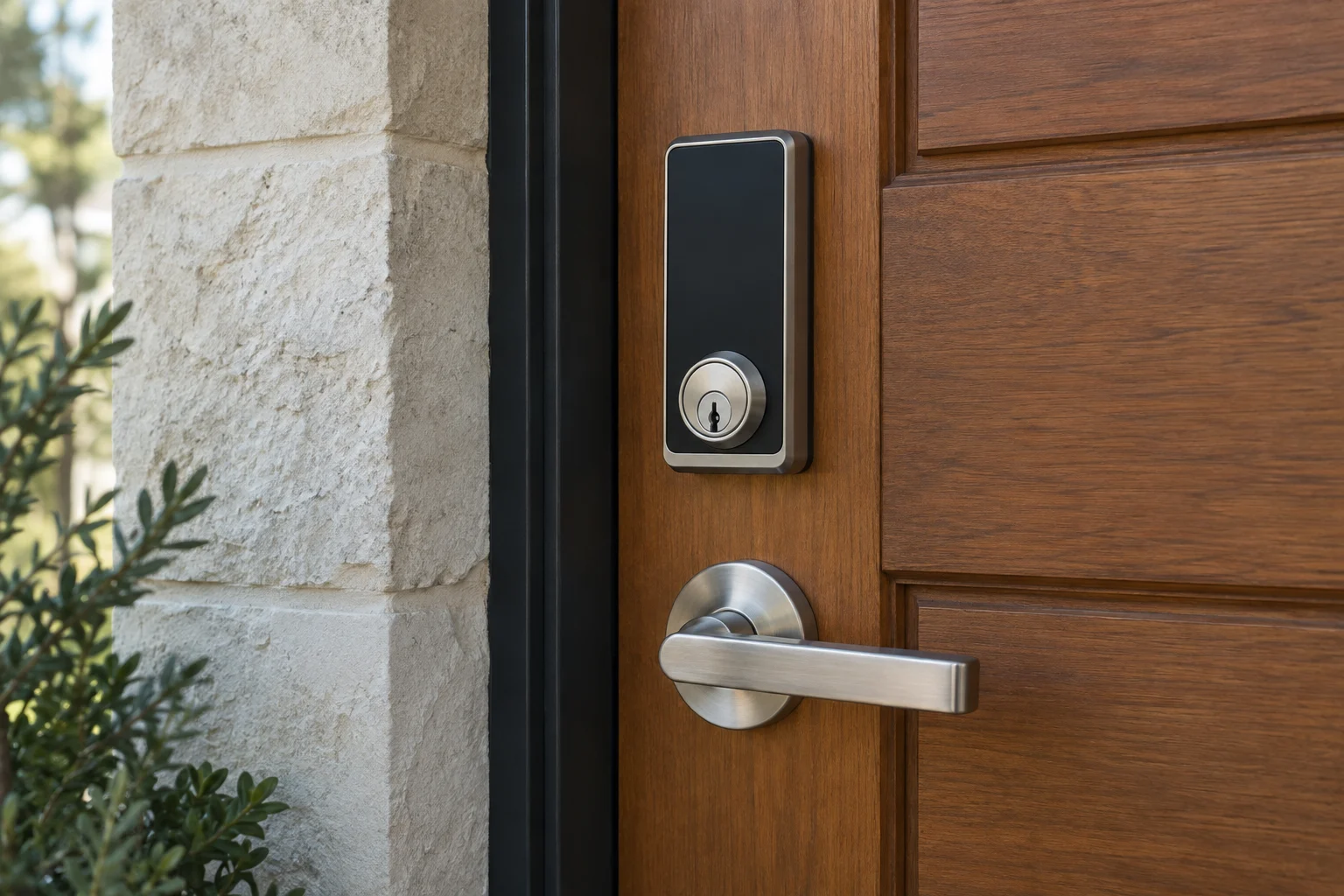
A black smart deadbolt and lever handle on a wood entry door.
01

Door and model

A smart lock starts with a door that works

If you have to lift the handle or lean against the door to turn the current deadbolt, address that before adding a motor. A new electronic lock still depends on the bolt meeting the strike cleanly. The installation assessment should look at the door, frame and existing preparation as well as the product in the box.

We plan smart-lock installation around your existing door, then work through the chosen model's access and setup requirements. Say whether you already bought the lock or want to compare suitable options. A photo of the exterior hardware and a model number can help with the initial discussion, but the final fit still needs checking at the door.

Home Key, Matter and phone entry: check the exact model

Schlage Encode Plus is one example to compare when Apple Home Key matters to your household. Yale puts Home Key in the Assure Lock 2 Plus, including its Bluetooth and Wi-Fi variants. The word Plus matters: do not assume every Assure Lock 2 has the same wallet feature. Check supported phones, watches and home-platform requirements before ordering.

The Schlage Sense Pro adds another decision. Its announced Apple Wallet integration uses Ultra Wideband with compatible devices for hands-free entry, and the lock supports Matter over Thread. That differs from deliberately tapping a supported phone or watch at a reader. Choose the interaction you actually want at your door, then verify the required device and setup.

Matter is an interoperability standard; Thread is a network technology used by some Matter products. Neither word guarantees every feature in every app. Wi-Fi can provide a different connection path, while Bluetooth is commonly used for nearby phone communication. The chosen model determines what needs a compatible hub, Thread border router or internet connection. We can help identify those requirements as part of installation planning, while the homeowner keeps control of the home account.

These are product examples, not interchangeable recommendations. A household that only needs individual keypad codes may prefer a simpler setup. A connected-home household should choose the lock alongside its existing ecosystem, rather than buying several accessories to rescue a mismatched purchase.


02

Features and fit

Decide which features matter to your household

Keypad entry, phone control and remote access are separate features. A lock may offer a code without an app, or phone access near the door without remote control from another location. Some products require a hub, compatible network or subscription for particular functions. Read the requirements for the exact model rather than relying on the word smart.

Think about the routine you want to change. A household may need individual codes for family members. A house sitter may need temporary access. Someone with limited hand strength may care more about operation from inside than an app notification. Use those daily routines to narrow the product choice before comparing integrations.

Check the physical fit and product requirements

Door thickness, backset, hole preparation, clearance and the existing lock arrangement can affect compatibility. A replacement deadbolt is different from a device designed to work with selected existing hardware. Older doors and decorative plates can require more care than a product photograph suggests.

Schlage's smart-lock product information illustrates why features and requirements belong to a specific model. The same principle applies to other manufacturers. Brand familiarity does not guarantee that every version fits your door or connects to your preferred home platform. Confirm the proposed model before ordering several units.

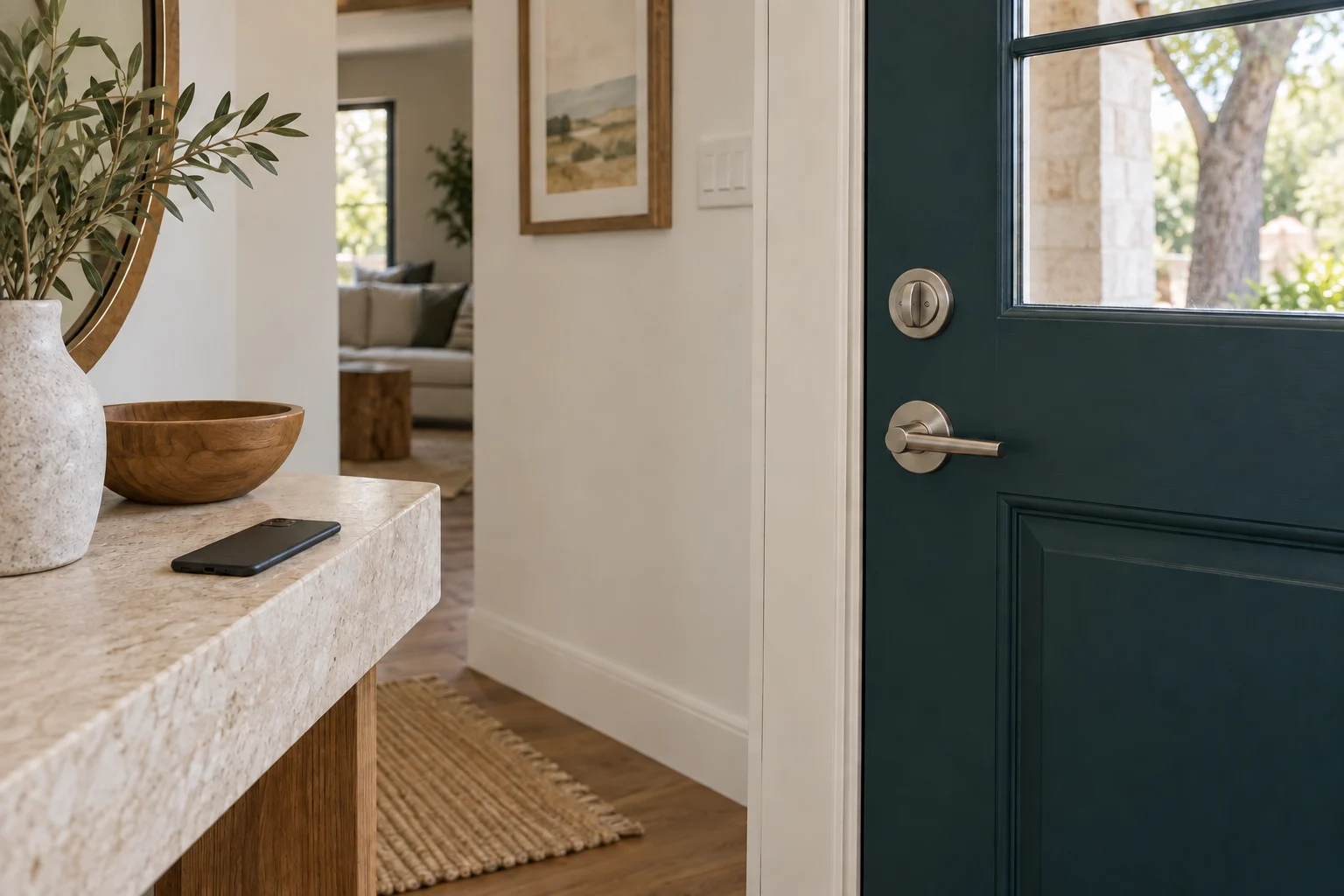
A deadbolt and lever handle on the inside of a dark entry door.

A closer look at your locks.

Tell us which brand you have and what you'd like to change. We can discuss options for your door.

  • Allegion
  • AMSEC
  • Aqara
  • ASSA ABLOY
  • August
  • Baldwin
  • Chamberlain
  • dormakaba
  • Emtek
  • eufy
  • Gardall
  • Kwikset
  • Level
  • LiftMaster
  • Lockly
  • Medeco
  • Mul-T-Lock
  • Nuki
  • Schlage
  • SentrySafe
  • SwitchBot
  • Ultraloq
  • Yale
03

Control and handoff

Keep administrator access with the homeowner

Decide who will own the account and who can add or remove users. Use an account controlled by the homeowner or authorized manager rather than a temporary installer or a person who will soon leave. Keep recovery information somewhere secure that remains accessible if a phone is replaced.

Where supported, individual codes make it easier to remove one person's access without changing everyone else's routine. Avoid sharing an administrator credential simply because several people need to unlock the door. At handoff, the responsible person should know how to manage ordinary users and where to find the manufacturer support information.

Plan for batteries, outages and a lost phone

Ask how the chosen lock works when its batteries run low, the internet drops or your phone is unavailable. The answers differ by product. A mechanical backup key, an approved external-power method and continued local keypad operation are not interchangeable features, and not every lock has all of them.

Keep the approved backup method accessible to an authorized person. A backup key locked inside the same home does little during a battery problem outside. Follow the product's battery instructions and pay attention to low-power warnings instead of waiting for an inconvenient failure.

Rentals and shared entrances need approval

Before changing an apartment or rental-home lock, obtain the appropriate permission and check the manager's hardware requirements. A unit door can be part of a wider key or rated-door arrangement. Replacing its lock without that context can create an access problem for the property even when the new app works perfectly.

For a short-term rental or occasional guest, agree on who removes access after the stay. Code management is part of the ongoing routine. If the lock also has a mechanical key, changing an app code does not automatically change that cylinder's keying. Discuss rekeying when old physical keys are also a concern.

What installation and setup should include

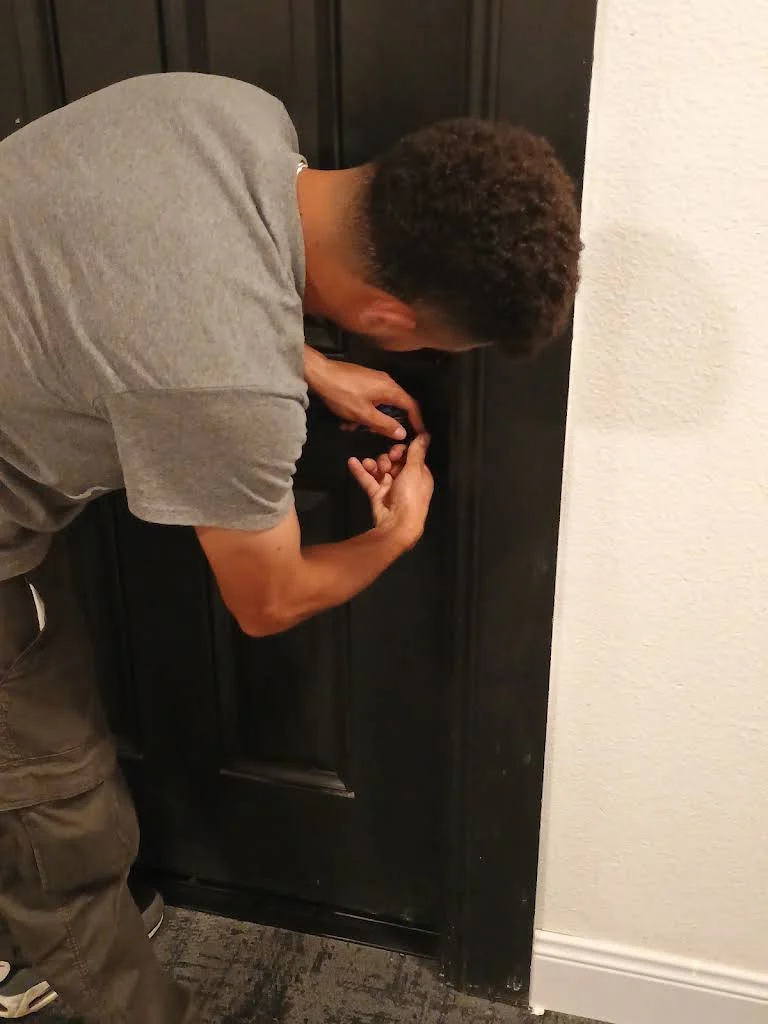
Clarify whether the quote covers fitting only or also app setup, user codes and a demonstration. Additional door preparation, alignment repairs, network equipment and subscriptions may be separate. Give the installer the product model and any existing problem so the quote reflects the actual work.

After installation, test locking and unlocking under normal use, including the inside operation and approved backup method. Check that the bolt completes its travel without being forced. The homeowner should leave with control of the account and a clear understanding of how to add a user, remove a user and respond to a battery warning.

Call (512) 777-0021 to discuss the door and chosen product. For feature comparisons before buying, see smart-lock options. If you prefer a conventional spare-key plan, key duplication may be enough. Our residential locksmith services connect these choices with repairs and move-in key control.

From local customers.

4.9from 2,582 Google reviews

Common questions

Answers before you call.

Can you install a lock I already bought?

Provide the exact model and describe the existing door before arranging the visit. Compatibility, missing parts and door preparation determine the installation scope. Keep the packaging and instructions until the fit has been confirmed.

Does every smart lock need Wi-Fi?

No. Local keypad, Bluetooth, Wi-Fi and hub-based products have different requirements. Remote features may need additional equipment or a subscription. Check the chosen model rather than assuming all smart locks behave the same way.

Will it still open during an internet outage?

That depends on the product and the access method. Review local operation, battery requirements and backup entry with the installer. A remote app connection and the ability to unlock at the door are separate things.

Can I use the same key as my other doors?

A keyed smart lock may support compatible keying, but that needs checking. Some products use different cylinders or have no mechanical key. Raise the one-key goal before purchase so it can influence the hardware choice.

Mobile service

Across Austin. Along I-35.

We serve Travis, Williamson, Hays and Bastrop counties. Call with your exact address so dispatch can discuss current availability.

512 Locksmith dispatch

Check the door and chosen lock.

Tell us where you are and what needs attention. We can discuss current availability and the appropriate next step.

Call (512) 777-0021Explore residential locksmith services