

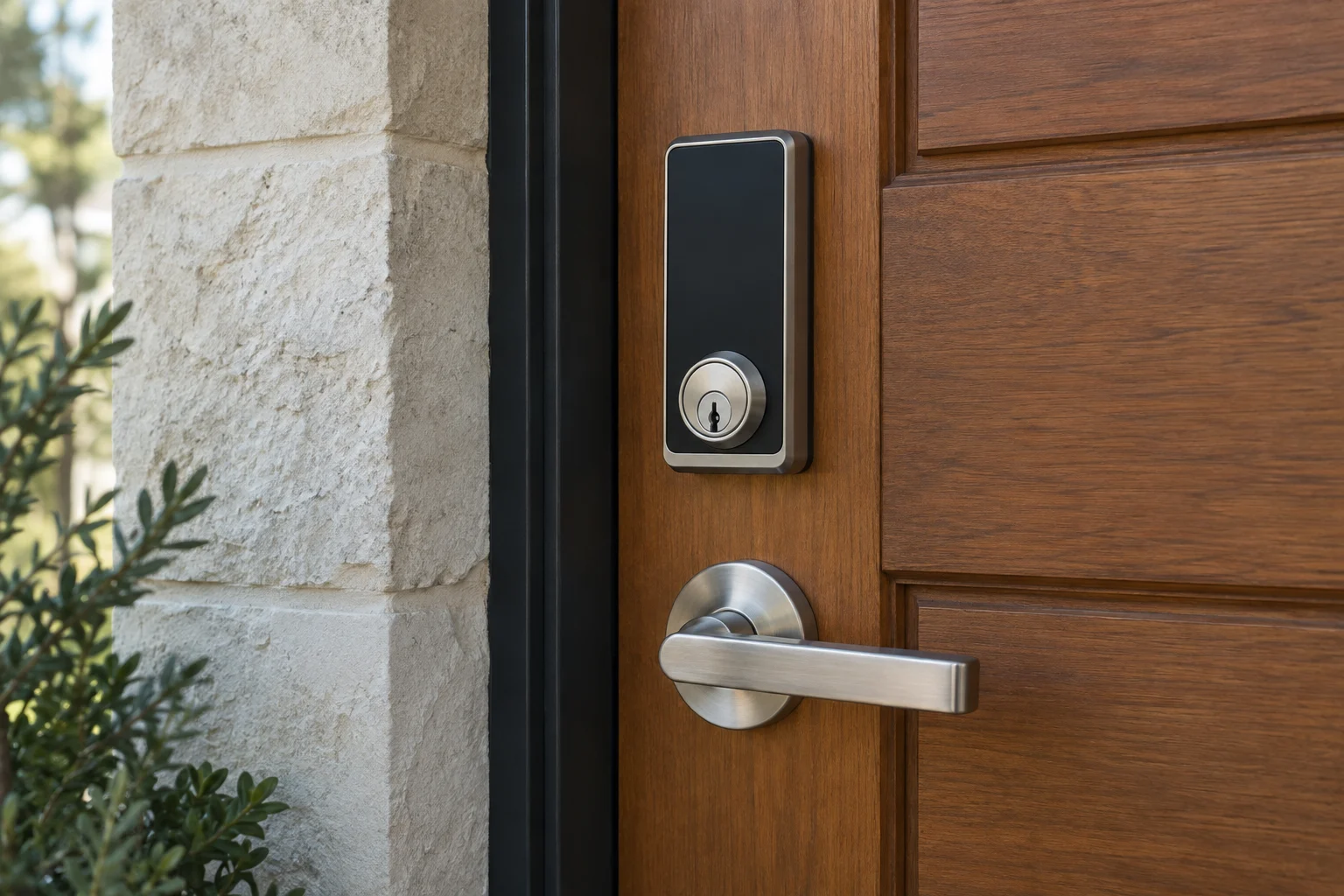
Smart locks change how you interact with your doors. Instead of searching for a physical key, you can operate the lock using a keypad, a smartphone app, or even a wearable device. The useful features depend entirely on the specific hardware model and the network ecosystem you choose. Before buying a new lock, decide whether you need a local keypad, temporary visitor access, fast remote control, or integration with existing smart home automation. Do not assume every electronic lock includes all of these capabilities out of the box.
In this guide
- 01Wi-Fi and Bluetooth connectivity basics
- 02Understanding Thread networks and Matter interoperability
- 03Apple home key versus standard home compatibility
- 04Managing guest access and account security
- 05Offline reliability and mechanical backups
- 06Activity logs and door state sensors
- 07Mechanical alignment and motor health
Wi-Fi and Bluetooth connectivity basics
Bluetooth and Wi-Fi support different connection arrangements. Compare the functions you want, the required home equipment and the manufacturer's battery guidance for each exact model.
Bluetooth can support nearby phone communication. Remote use may need a compatible bridge or other home equipment, depending on the lock. Compare the actual range, battery guidance and remote-access requirements instead of assuming every Bluetooth model works the same way.
A lock with built-in Wi-Fi can connect to a supported home network without a separate proprietary bridge for that connection. Remote access still depends on the product, account and functioning network. Battery performance depends on the whole design, use and settings, not just the radio label.
Understanding Thread networks and Matter interoperability
Modern smart home security increasingly relies on Thread networks and the Matter standard. Understanding the difference between the two helps you build a more responsive and reliable system.
Thread is a low-power mesh network technology. Some powered devices route traffic; battery-operated end devices do not all act as repeaters. A compatible Thread border router connects a Thread network with other IP networks. Check the lock and chosen home platform for the equipment needed.
Matter is an interoperability standard, not a radio. It supports common device functions across compatible ecosystems, but certification does not guarantee every manufacturer feature in every app. Schlage Sense Pro is a current Matter-over-Thread example. Compare supported functions, required controllers and border routers, and the exact phone or watch requirements.
Apple home key versus standard home compatibility
If you use Apple devices, you must distinguish between general ecosystem compatibility and specific hardware features.
Many locks advertise compatibility with the Apple Home ecosystem. This usually means you can lock or unlock the door using the Home app on your phone or by issuing Siri voice commands. It is a software integration.
Apple home key provides supported-device entry on compatible locks. Tap entry, hands-free operation and Express Mode have specific device and setup requirements. Apple Home compatibility alone does not establish home-key support. For example, Schlage Encode Plus supports Apple home key, while Sense Pro offers additional supported-device entry features. Check the exact model rather than the brand name.
Interior deadbolt above a lever handle
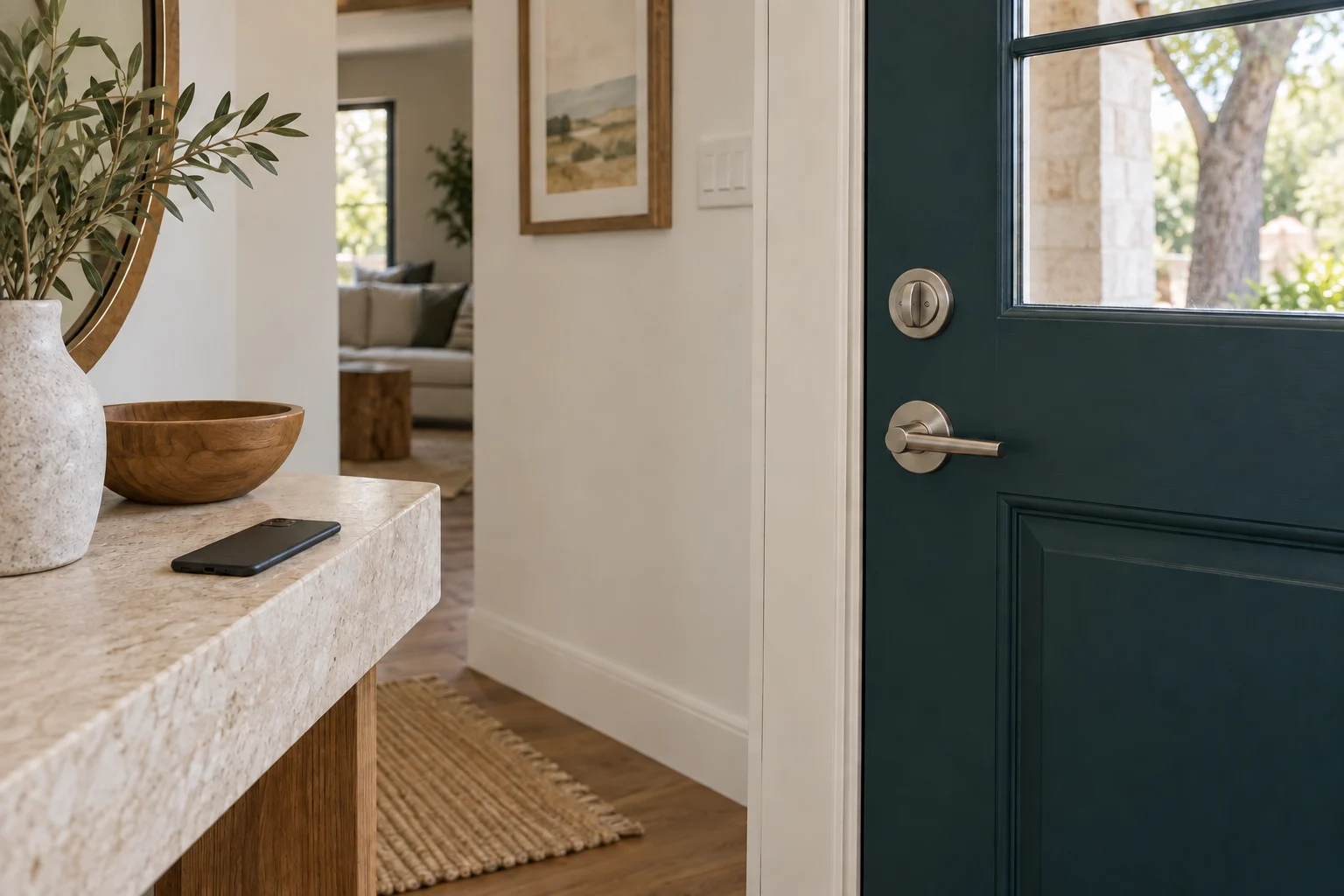
Managing guest access and account security
You can adjust lock settings to match your daily habits and security preferences without handing out metal keys that can be lost or copied.
Use individual user permissions or PIN codes where supported. Never give a visitor, contractor, or house sitter your primary administrator password. Handing out the master account credentials exposes your device settings and compromises the security of all other users. Instead, generate unique access codes for family members and create restricted temporary codes for guests.
Temporary codes can often be restricted to specific days and times, and they can be set to automatically expire when you choose. Review your active access codes every few months. Delete any codes assigned to maintenance workers who have finished their projects or guests who have moved on. Verify that the deleted code immediately stops working on the keypad. Remember that deleting a code does not remove physical keys or mobile app administrator permissions if those were also granted.
Before handing a lock to a new occupant, follow its manufacturer's transfer process. That may involve removing the device from the old account and home platform, clearing users and resetting the lock. The new occupant should establish administrator control and review physical backup keys separately.
Plan who can use a smart lock
Digital access belongs in the same door plan as keys and inside exit.
- Entrance
- Access gap
- Separate controls
Plan guest access
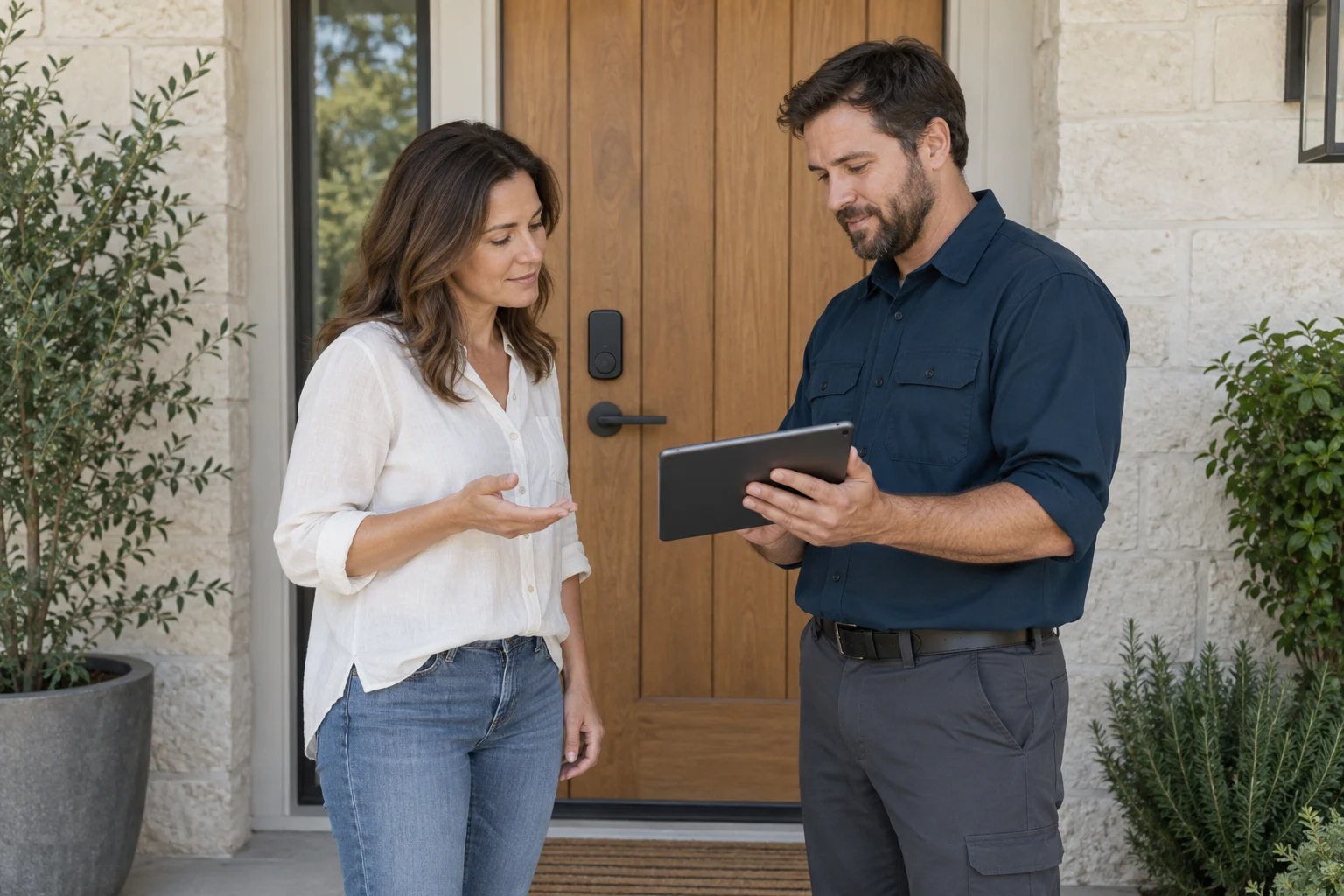
Offline reliability and mechanical backups
Check local entry separately from remote control. Some locks authorize stored codes locally during an internet outage; other functions depend on connected equipment. Test the manufacturer-documented behavior for your model rather than assuming the keypad or app will always remain available.
Establish the model's backup method before relying on it. Some retain a mechanical cylinder; key-free products may have documented emergency-power contacts or a connector. The required battery or power source varies. Do not apply power using instructions for another lock.
Arrange secure access to the supported backup, such as a key held by a trusted person. A spare locked inside the same home cannot help you outside. Choose the arrangement for your household rather than leaving a key or power source exposed.
Activity logs and door state sensors
Check what the companion application actually knows about your door before relying on its alerts. A log showing that a specific user code was entered is different from proof of exactly who pressed the buttons. A notification that the deadbolt motor extended is different from confirmation that the door is actually closed.
Door-position sensing may be built into the product or require a compatible accessory. Check what the app actually reports and how that information is obtained. A bolt-status message alone is not proof that the door is closed.
If the lock supports automatic locking, check its timing delay and whether it relies on a position sensor to avoid extending the bolt while the door is wide open.
Smart lock setup questions
Entry
Which codes, credentials or keys work when internet service is down?
Door
Does the bolt move smoothly without pushing the door?
Account
Who owns access and can remove a guest later?
Mechanical alignment and motor health
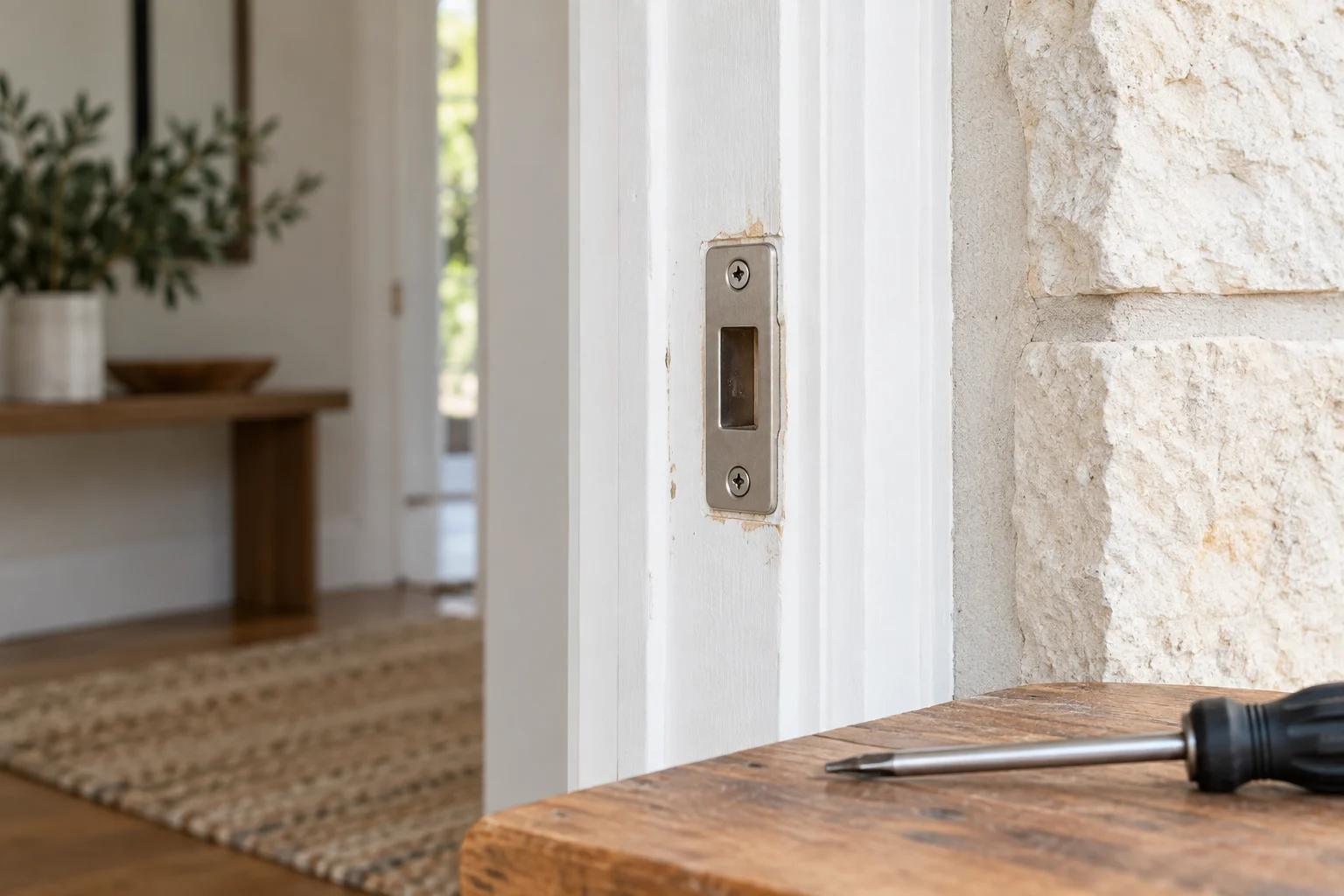
The bolt should operate without binding. If you must push or lift the door to lock it manually, have the opening assessed before expecting a motor to do the work. Poor fit can affect operation and battery use, but the symptom alone does not establish a damaged motor.
Always replace batteries promptly with the exact type recommended in the manufacturer instructions. Do not mix old and new batteries, and avoid using rechargeable batteries unless explicitly approved by the lock brand, as they often provide a lower voltage that can cause erratic motor behavior.
Professional smart lock installation includes assessing the fit and agreed setup requirements. 512 Locksmith has served Austin for more than a decade. Call (512) 777-0021 with the lock model, door details and entry features you want to discuss.
Door fit still matters
Sources and further reading
- Schlage Sense ProSchlage
- Schlage Encode PlusSchlage