Connected lock hardware

Smart locks and keyless entry in Austin

Compare keypad, app, wallet-key and hands-free access around your door and the devices you use. Then choose the features worth installing.

14+ years serving Austin
2,500+ Google reviews 4.9/5
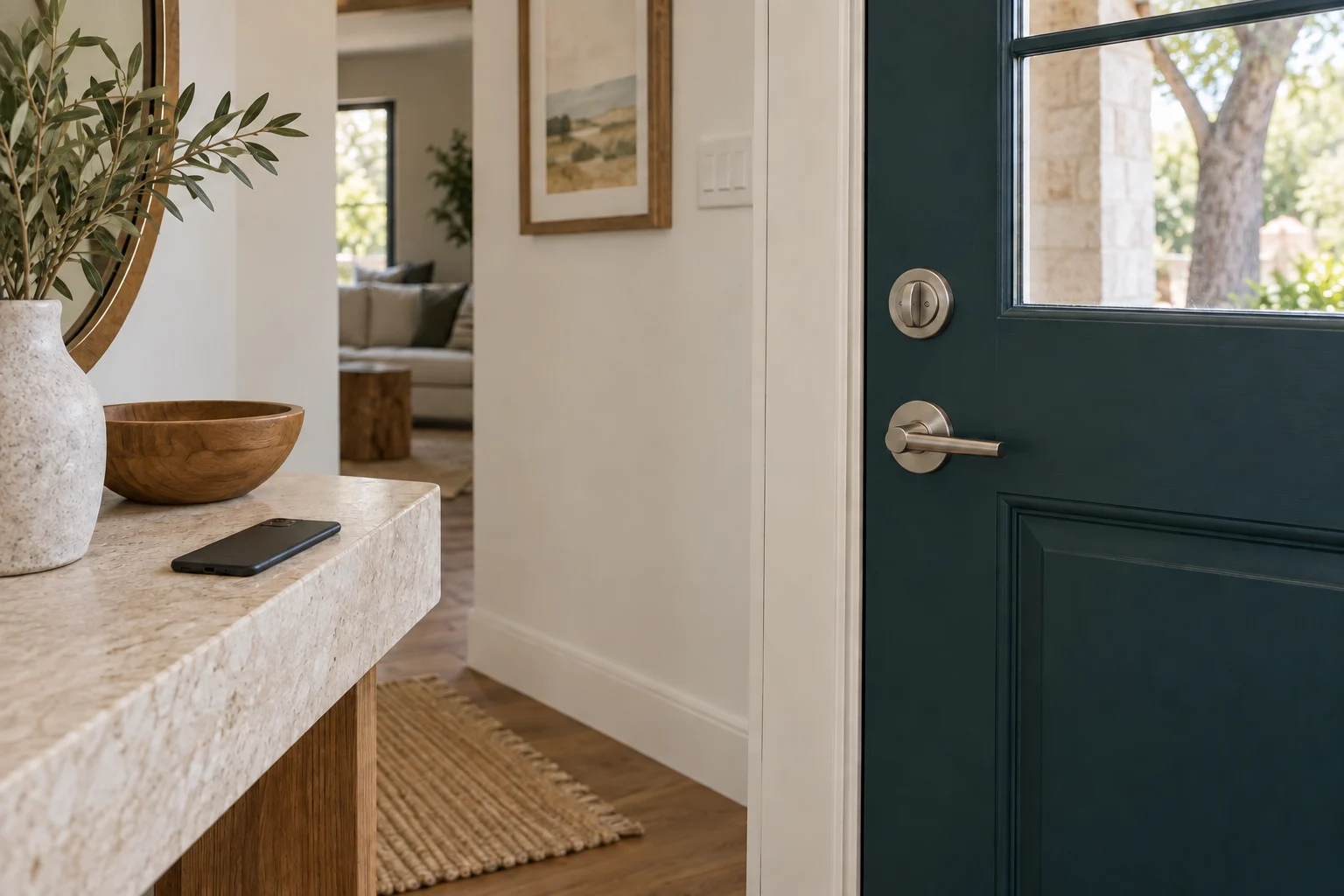
A deadbolt and lever handle on the inside of a dark entry door.
01

Entry method

Choose how you want to get through the door

A keypad for the family, a temporary code for a guest and hands-free entry from a watch are different needs. Start there. The most useful smart lock is one that fits your door and daily routine, with an access plan you can manage when a phone is lost or the internet is down.

512 Locksmith helps Austin customers compare suitable smart-lock hardware and plan an upgrade. This page covers product choices and compatibility. When you have a model in mind, our smart-lock installation service explains fitting and setup. You can also compare mechanical options in the lock hardware guide.

Keypad access does not have to mean an app

A standalone keypad can be enough if the main goal is entering a code instead of carrying a key. App-connected products add features such as user management, activity information or remote control, depending on the model. More features also mean more decisions about accounts, connectivity and ongoing support.

Decide who will manage the lock. A household member who needs ordinary entry does not necessarily need administrator access. For a guest or cleaner, a separate code can be easier to retire than a shared family code. Scheduled or one-time codes are product features, not something every keypad provides.

02

Connection and fit

Wi-Fi, Bluetooth, Thread and Matter in plain terms

Bluetooth is commonly used for nearby phone communication and setup. Wi-Fi can connect a supported lock through the home network. Some products need a separate bridge for remote features; others include their own Wi-Fi connection. Check the exact model and what the quoted package contains.

Thread is a networking technology used by some smart-home devices. Matter is an interoperability standard supported by particular products and platforms. A Matter-over-Thread lock generally needs the appropriate Matter controller and Thread border-router setup for connected use. Owning a smart speaker does not automatically mean it provides both functions.

Check the ecosystem you already use and the features it exposes for the chosen lock. A compatibility logo does not guarantee that every manufacturer-app feature appears in every other app. For example, Schlage lists Sense Pro integrations and requirements by platform. Verify those requirements before buying additional equipment.

Tap a phone or walk up with a watch?

NFC tap access and ultra-wideband hands-free entry are distinct features. A lock supporting Apple home keys can offer a wallet-based credential on compatible devices. Hands-free approach detection requires the appropriate lock and device support; it should not be assumed from the presence of a wallet key alone.

Current US-market examples include products such as Aqara's U400 and Schlage Sense Pro with specified hands-free capabilities. Aqara's U400 documentation describes UWB, NFC and other access options with compatibility conditions. These examples help compare features; they are not a claim that every product or integration is supported on your door.

Check each household member's actual phone or watch, including software requirements. Decide whether you prefer deliberate tap-to-unlock, a code or hands-free behavior. The best demonstration is your intended device performing the agreed function during handover.

For tap-based Apple home keys, compare the exact model: Schlage Encode Plus includes that feature, and Yale documents it for Assure Lock 2 Plus. The Plus name matters; do not assume every Assure Lock 2 variant has the same wallet-key capability. Compare connectivity and backup-entry features separately.


Full replacement or a retrofit?

Some smart locks replace the existing deadbolt, including the outside assembly. Others retrofit part of a compatible lock while retaining more of its appearance or key arrangement. Door thickness, backset, existing holes, trim clearance and the present lock type determine what fits.

A mortise or multipoint lock should not be treated as an ordinary bored deadbolt. Identify the current hardware before ordering. If the bolt drags or needs you to pull the door into place, correct the mechanical problem first. Electronics will not straighten a sagging door.

For an apartment or rental, check permission and any building key requirements before changing the hardware. A retrofit can still alter the way the door operates; keeping the outside trim does not automatically make an installation acceptable to the property manager.

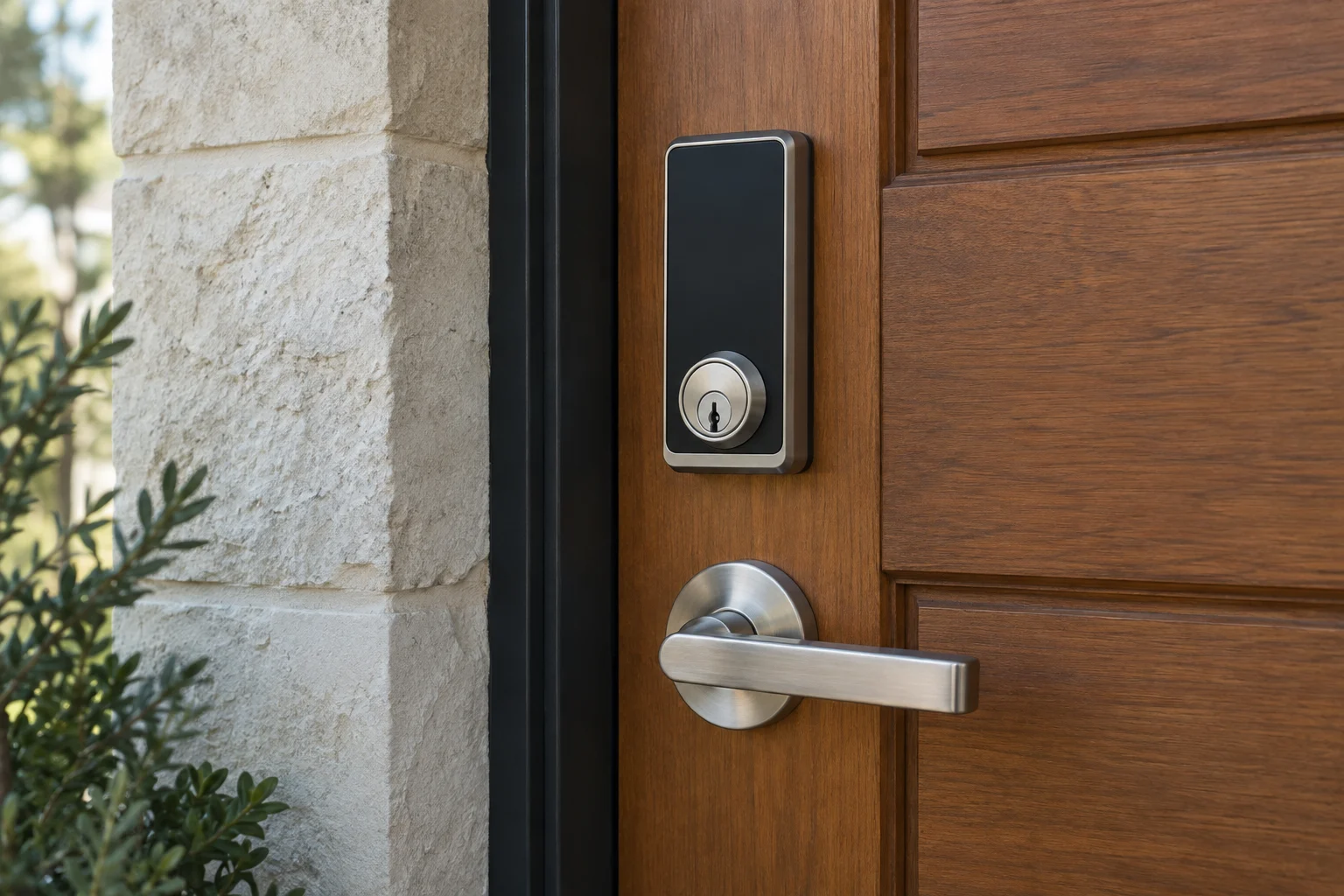
A black smart deadbolt and lever handle on a wood entry door.

A closer look at your locks.

Tell us which brand you have and what you'd like to change. We can discuss options for your door.

  • Allegion
  • AMSEC
  • Aqara
  • ASSA ABLOY
  • August
  • Baldwin
  • Chamberlain
  • dormakaba
  • Emtek
  • eufy
  • Gardall
  • Kwikset
  • Level
  • LiftMaster
  • Lockly
  • Medeco
  • Mul-T-Lock
  • Nuki
  • Schlage
  • SentrySafe
  • SwitchBot
  • Ultraloq
  • Yale
03

Backup and scope

Biometrics, video and backup entry

Fingerprint, face or palm-based access and integrated cameras are available on specific products. Compare the practical details: enrollment, recognition conditions, stored data, account control and the method available when the preferred feature fails. Avoid choosing by the longest feature list.

Every household needs a backup plan suited to the model. That might involve a mechanical key or a manufacturer-provided emergency-power method. Know the low-battery warning and replacement process. Do not assume the lock's remote app will work during an internet outage or that every credential needs internet access to operate locally.

Keep account recovery information under the owner's control. When someone no longer needs access, remove the relevant code or credential and check any separately held mechanical keys. A change in app access does not rekey a retained cylinder.

Price the complete working setup

The lock itself is only part of the decision. Installation can include door preparation, alignment, compatible hardware, a bridge or controller, user setup and a handover. Clarify which items are included and whether any optional service has a continuing fee.

Bring the proposed model, photos of the current door and a short feature list to the conversation. We can discuss the fit and the supported installation scope without turning a simple keypad request into a whole-house automation project. Call (512) 777-0021 to plan smart-lock work in Austin.

From local customers.

4.9from 2,582 Google reviews

Common questions

Answers before you call.

Does Matter support mean a lock has Apple home keys?

No. Matter compatibility and wallet-key support are separate product features. Check the exact lock, platform and device requirements.

Will every Apple home key unlock hands-free?

No. Tap-to-unlock and UWB hands-free entry require different support. The lock and the phone or watch must support the specific feature you want.

Can a smart lock keep my existing outside hardware?

Some retrofit products retain compatible hardware, but fit varies. Check the current lock and door preparation before choosing a product.

Will a smart lock still work when the internet is down?

Local and remote functions behave differently by model. Check the documented offline entry methods, battery requirements and backup arrangement before purchase.

Mobile service

Across Austin. Along I-35.

We serve Travis, Williamson, Hays and Bastrop counties. Call with your exact address so dispatch can discuss current availability.

512 Locksmith dispatch

Choose the entry method and model.

Tell us where you are and what needs attention. We can discuss current availability and the appropriate next step.

Call (512) 777-0021Explore lock services