

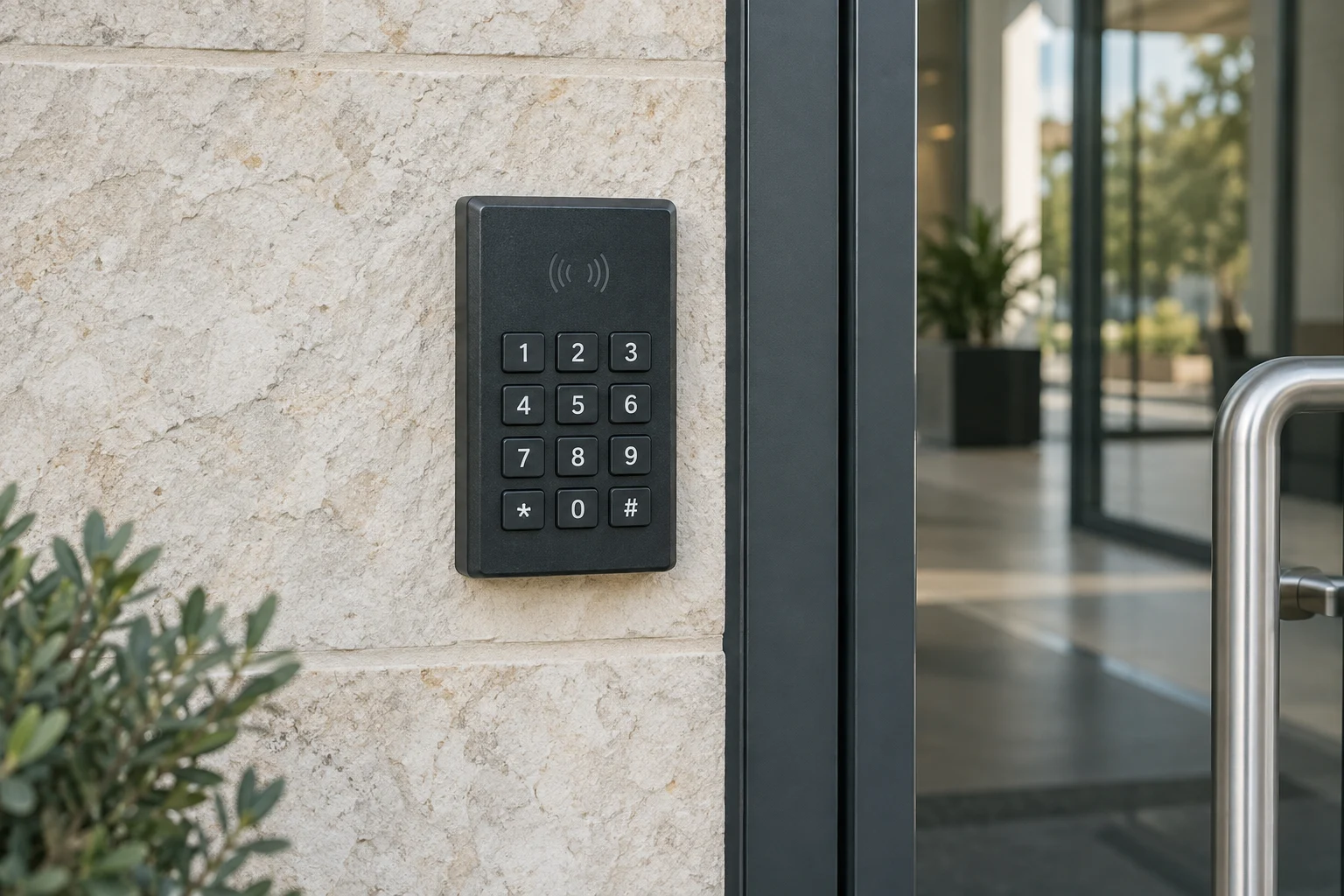
Start by noting what the lock does: no lights, a rejected code, a motor sound without movement or a bolt that works only with the door open. These symptoms need different checks. Find the exact model instructions before replacing parts or resetting the lock.
In this guide
Why a failing keypad lock requires attention
A malfunctioning keypad lock creates immediate access problems. When the system fails to confirm a code or route power to the internal motor, the bolt will not retract. In some cases, the keypad refuses to light up at all. Ignoring early warning signs like slow motor operation or missed key presses often leads to a complete failure at an inconvenient time.
If you still have access, arrange troubleshooting before the problem leaves you outside. Keep the backup-entry method available while testing.
Start with the door
Common causes behind keypad lock failures
Digital locks fail for a handful of common reasons. Identifying the root cause helps you apply the correct troubleshooting step rather than guessing.
Depleted batteries
Low battery power is one possible reason a keypad lock stops responding. The keypad might illuminate briefly and then shut down, or it may appear completely dead. Many locks provide a low-battery warning via a specific flashing light sequence or auditory beep, but these warnings are easily missed. Use the battery type and replacement procedure specified for the model.
Dirty contacts and worn buttons
Buttons that do not register your input often point to a worn rubber membrane or dirt trapped behind the faceplate. Grime, natural oils from fingers, and outdoor dust can block the electrical contact points. If certain numbers work but others do not, report which buttons fail and follow the model's cleaning and diagnostic instructions.
Lockout modes
Most digital locks feature a security lockout mode that activates after several incorrect code entries. During this period, the keypad may flash red, beep continuously, or ignore all input. This feature prevents unauthorized guessing but can easily trigger if a visitor or child presses buttons randomly.
Mechanical binding
Sometimes the electronic components work perfectly, but a mechanical jam prevents the lock from opening. If the door sags or the weatherstripping shifts, the deadbolt binds against the strike plate. Motor behavior and error signals vary, so check the model instructions rather than assuming a particular fault. Moisture exposure from heavy rain or high humidity can also corrode the internal gears over time.
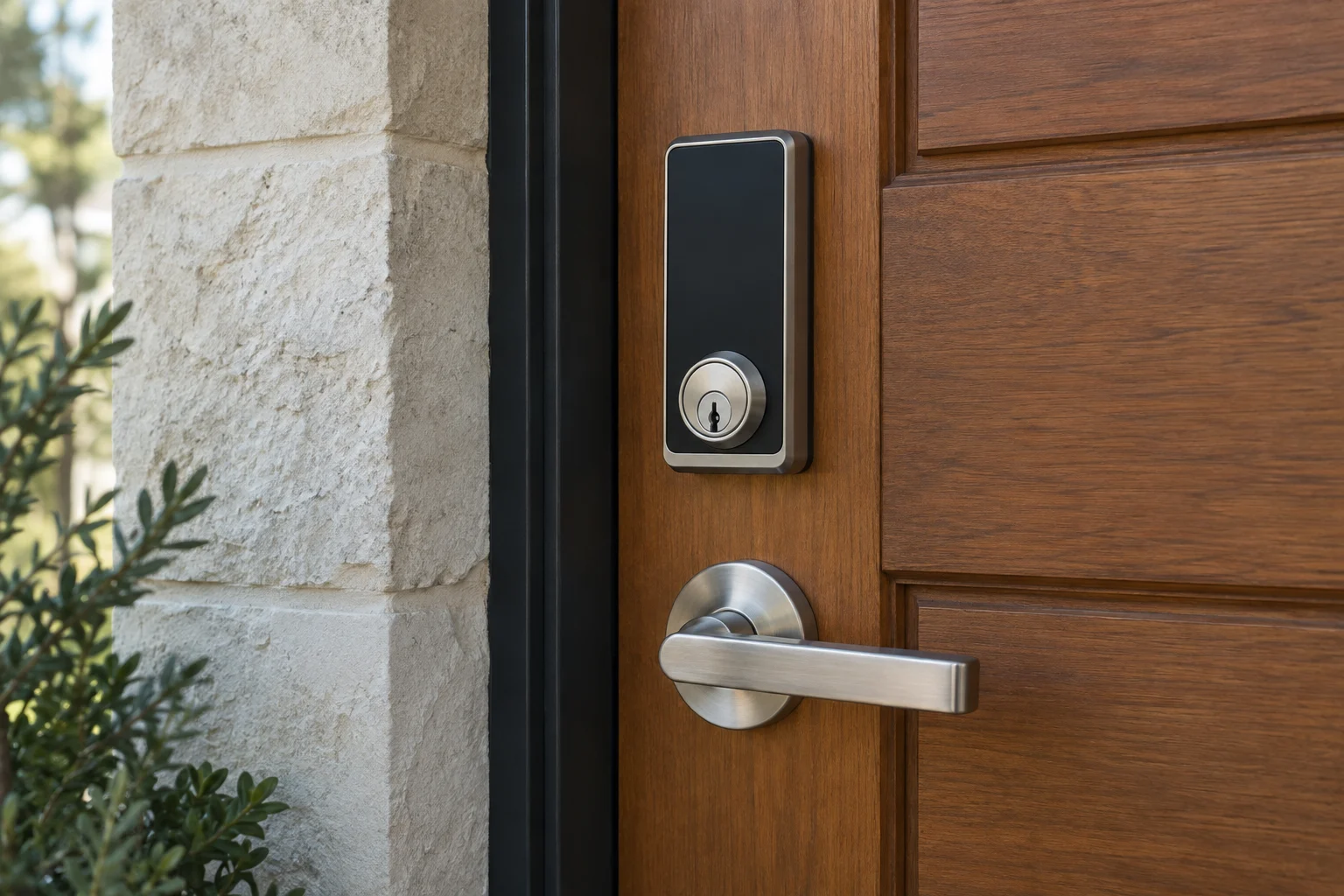
Smart lock at a home entrance
Troubleshooting steps for digital locks
A systematic approach helps you rule out simple problems before deciding to replace the hardware. Try these steps to evaluate your lock.
Test the battery supply
Use the battery chemistry, size and replacement procedure specified by the manufacturer. Some products have rechargeable packs; others specify disposable cells. If you see leakage or corrosion, follow the manufacturer's handling guidance and avoid touching residue or shorting contacts.
Clean the keypad surface
Wipe the exterior keypad with a lightly damp cloth and a mild cleaner. Avoid spraying liquid directly into the buttons. If you suspect dirt has penetrated behind the buttons, you may need to evaluate whether the exterior housing has lost its weather seal.
Check for mechanical binding
To determine if the issue is mechanical, try operating the lock while the door is standing open. If operation differs with the door open and closed, alignment or pressure on the bolt may be involved. That test does not prove the whole lock is sound. Have the fit assessed before filing a strike or changing a rated door assembly.
Perform a system reset
A factory reset should follow the model's troubleshooting guidance, not be the first experiment at a locked door. It may remove codes, settings or account connections. Make sure you are authorized to administer the lock, have another way inside and know how to complete setup again before resetting it.
A dead keypad has more than one possible cause
Check power, the door fit and the model instructions in order.
- Cell
- Contacts
- Lock functions
Further reading: Schlage: Schlage Keypad lock FAQs
Narrow the fault safely
Power
Check the maker's battery and warning guidance.
Door
Note whether the bolt works differently with the door open.
Access
Use the documented backup method and seek diagnosis if the fault remains.
Understanding smart lock limitations
Frequent battery replacement can have several causes, including use, alignment, connectivity, settings or a hardware fault. Compare the symptoms with the exact model's support guidance. Do not diagnose the cause from battery life alone.
If the keypad lights up and accepts the code, but you only hear a faint clicking sound without the bolt moving, the symptom needs diagnosis; battery, alignment and mechanism issues can overlap. It does not by itself prove the lock needs replacement. If you rely on a complex networked access system for a business, an access control specialist can evaluate the wiring and control panels.
If your digital lock has failed completely and you need access, call 512 Locksmith at (512) 777-0021 or visit our contact page for diagnostic and smart lock installation services.
For Schlage hardware, use the official model support pages to match light signals, battery instructions and reset procedures. Use the equivalent manufacturer guidance for another brand.
Check device limitations
Sources and further reading
- Schlage Keypad lock FAQsSchlage