

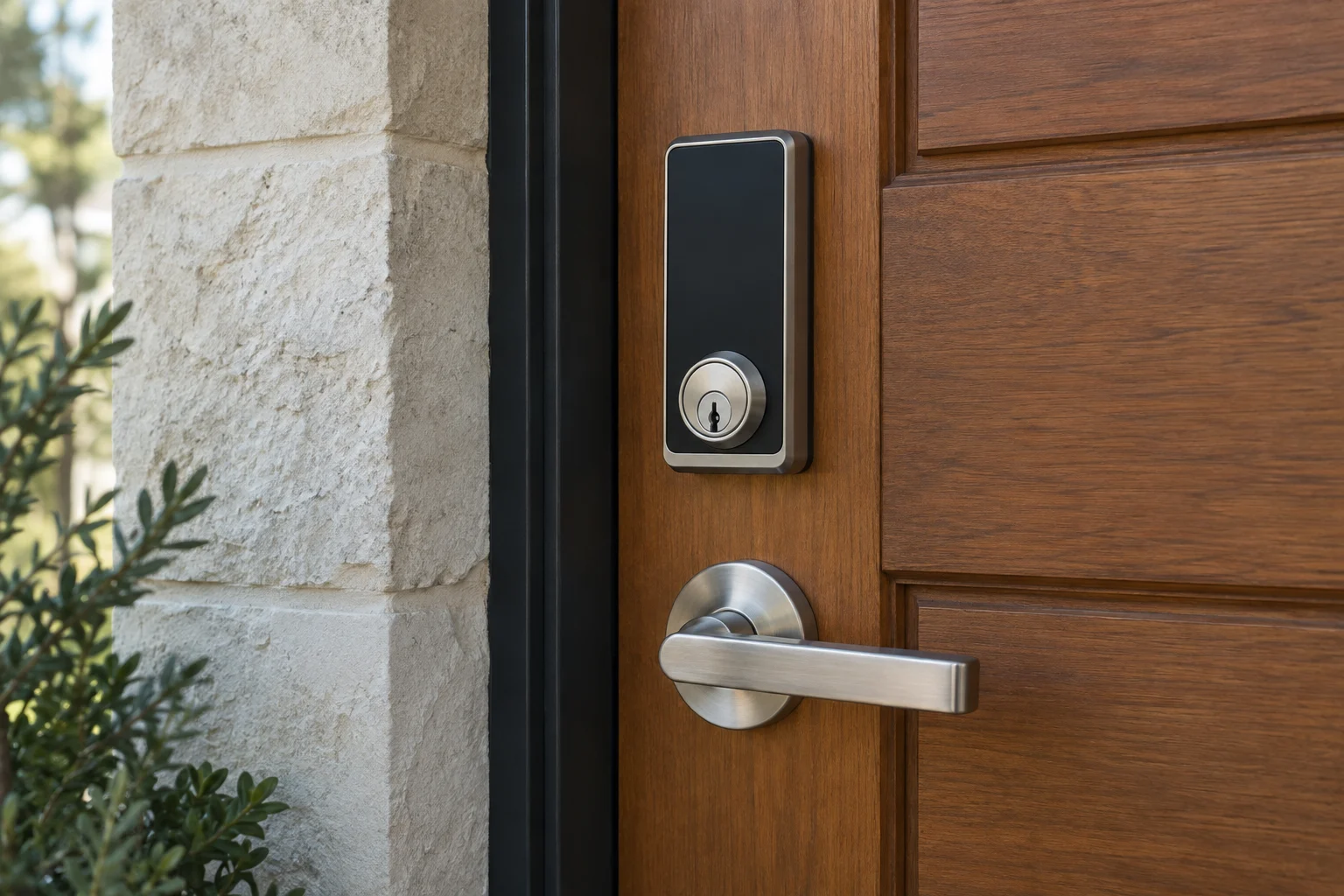
A new security system starts with a specific problem you need to solve. You might want to control who has a spare key, check whether a side door is closed while you are away, or replace a deadbolt that requires forcing the handle to lock. Clarify that operational problem before purchasing a camera, an alarm or another smart lock. Security technology is an assembly of physical barriers, access controls and notification devices that must work together.
In this guide
Prioritizing physical doors and locks
A camera records a view and an alarm sends a notification, but a physical lock is what actually stops a door from opening. Before adding electronics, walk around the property and check each entrance. Homeowners frequently focus on the front door while neglecting side entrances, garage service doors and sliding glass windows.
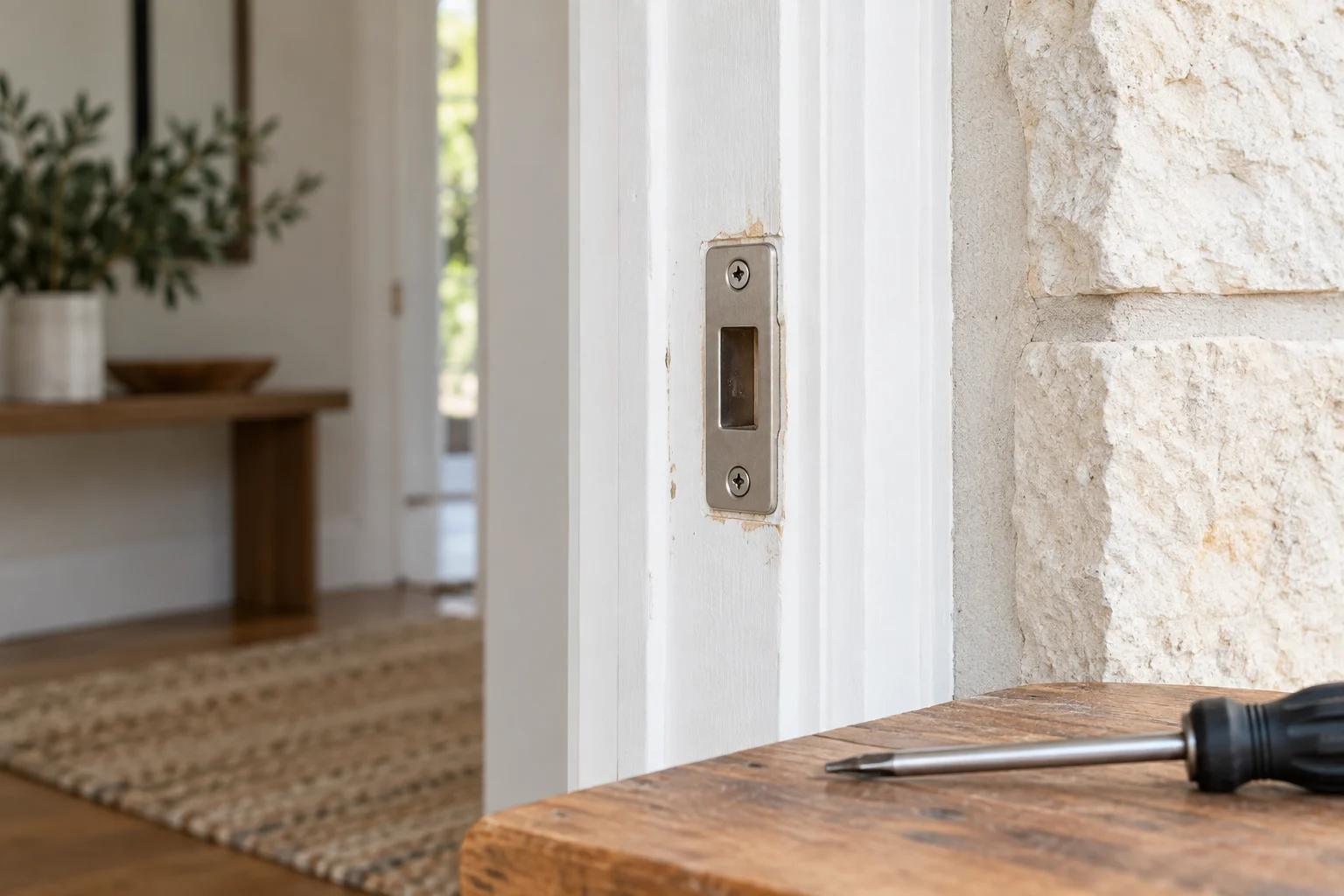
If you push or lift a door to turn the key, address the binding before adding electronics. A smart-lock motor is not a substitute for an opening that closes correctly. The latch, bolt, strike, hinges and frame should be assessed together.
Ask whether the frame and strike plate need repair or compatible reinforcement. Long screws installed in the strike plate can help anchor it to the wall stud, but screw length alone does not guarantee that the installation suits the door. Check sliding door rollers, latches and alignment together. If you have an attached garage, ensure the door between the garage and the home has suitable hardware and meets any applicable fire separation requirements without obstructing emergency escape.
Build security from the doors outward
Start with physical entry, then decide which connected features help.
- Entrance
- Access gap
- Separate controls
Start with the door
Upgrading to smart locks and access control
A smart lock can provide individual household or contractor credentials. Check which features the exact model supports: local codes, scheduled access, remote removal and activity history are not interchangeable. A credential record does not prove the identity of the person who entered.
Security hardware comes in different grades, which indicate tested durability and strength under specific conditions. Compare the rating and intended use of the exact product. Residential hardware is evaluated under Builders Hardware Manufacturers Association standards. A commercial label on a box does not automatically make a lock suitable for every home door, and it does not mean the lock is immune to physical bypass.
When planning a lock upgrade, verify how the electronic hardware handles a failure. Check the manufacturer specifications for battery life, battery replacement procedures and what happens if the home internet connection drops. Many smart locks include a backup mechanical keyway, while others rely entirely on a keypad and external battery jump posts.
Integrating cameras and alarm systems
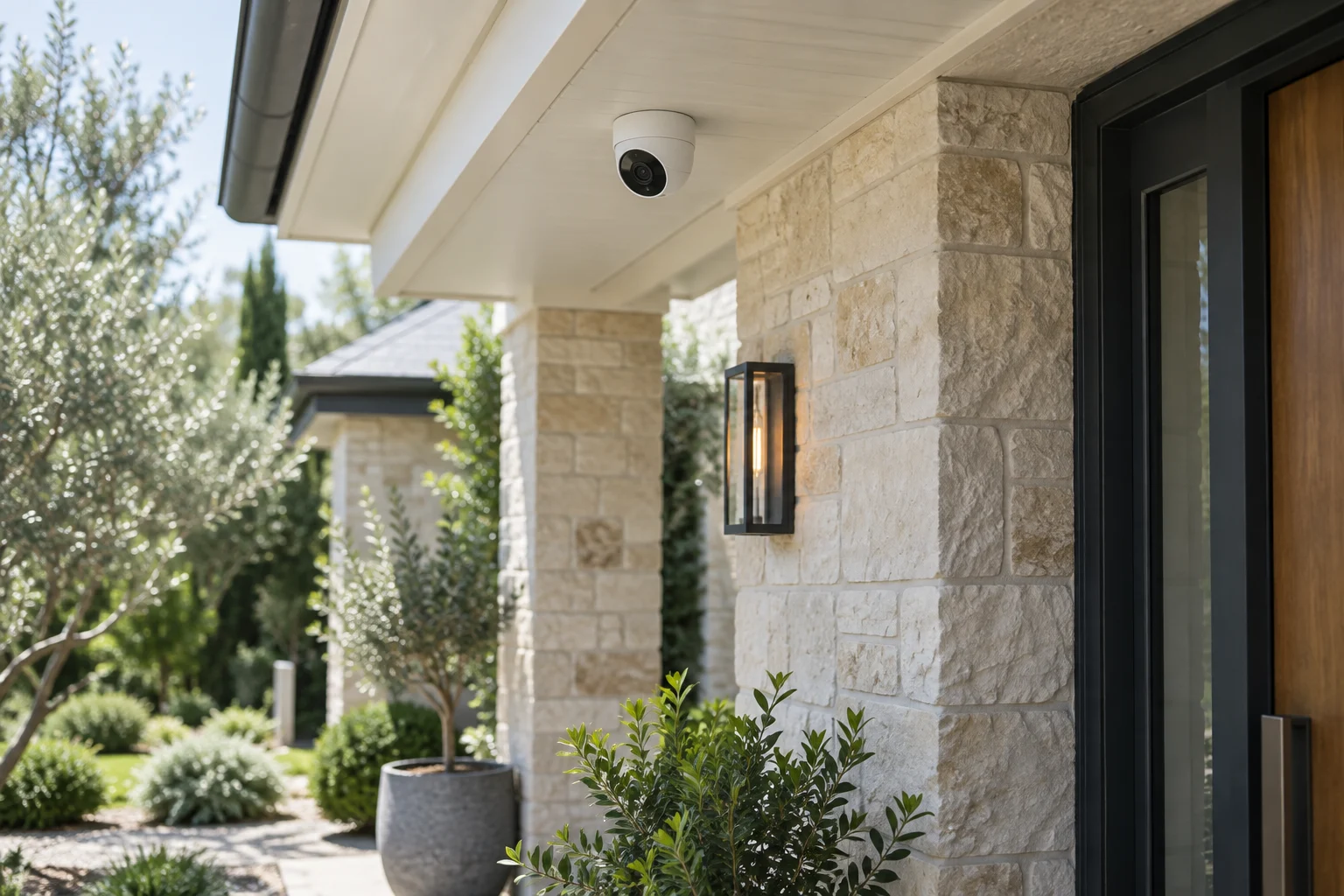
Cameras and alarms provide visibility and notification, serving as the next layer of a security plan. List what you need each device to do. A doorbell camera shows who is at the front door, while a driveway camera might record vehicle movement. An alarm system monitors door sensors and glass break detectors, triggering a siren or alerting a monitoring center.
Match these devices to your daily routine. If you want a camera to record high definition video continuously, it will likely need wired power rather than a battery. If you want an alarm to notify your phone, it requires a stable internet or cellular connection. Check how the entire system behaves if the power goes out, the local network fails or a specific battery dies. Manufacturer instructions dictate the required maintenance and reset procedures.
Residential security camera
Account ownership and system handover
Modern security systems rely heavily on digital accounts. When you install connected locks, cameras or alarms, you create an administrator account that controls the hardware. Ask who owns this administrator account and whether the useful features require a monthly subscription.
If you are selling a home or transferring a lease, the physical keys are only part of the handover. You must transfer or delete the digital administrator accounts for any smart locks and cameras left on the property. A factory reset is often required to clear old user data, and the exact reset sequence depends on the hardware model. Keep your account recovery details somewhere you can access them if your phone is lost or damaged.
After taking possession of a new home, consider rekeying the compatible mechanical locks immediately. You have no way of knowing how many spare keys the previous owners distributed to neighbors, relatives or contractors. Rekeying alters the internal pins of the lock cylinders so the old keys no longer operate the hardware. Renters should discuss any hardware changes or rekeying with the property manager before starting work.
Choose the next layer by the problem
Door will not secure
Assess the lock, strike and frame first.
Need to see an approach
Define the camera view and how footage will be stored.
Need managed access
Compare individual credentials and the handover process.
Common questions about home security planning
Should i install a smart lock on every exterior door?
Choose door by door. The main entrance may benefit from individual codes while a less-used door may only need suitable mechanical hardware. Balance convenience with battery maintenance, backup entry and the permissions needed at each opening.
What happens to a smart lock when the power goes out?
Most smart locks run on internal batteries, usually AA or a proprietary rechargeable pack, so they continue to operate during a home power outage. However, if the lock relies on your home Wi-Fi to send notifications or allow remote unlocking, those remote features will be unavailable until the router regains power.
Do i need a subscription for my security cameras?
Subscription requirements vary by manufacturer. Some cameras offer local storage on a micro SD card without monthly fees. Others require a paid cloud subscription to save video clips, recognize familiar faces or send advanced alerts to your phone. Check the exact product details before purchasing.
How do i know if my door frame is strong enough?
Assess the actual frame material, condition and connection to the surrounding structure. Reinforcement must fit that assembly and preserve required operation. A long strike plate or fastener is useful only when correctly selected and installed.
Can a locksmith set up my alarm system app?
Agree on the handover scope before booking: physical fitting, device commissioning and app or account setup can be separate tasks. The household should control its administrator account and recovery options. Cameras and alarm systems need their own compatible setup and support; do not assume a lock installation includes them.
Compare actual smart-lock options
Schlage Encode Plus is a Wi-Fi smart deadbolt with Apple home-key support. Schlage Sense Pro adds Matter over Thread and supported-device UWB entry. Those labels do not make the products interchangeable: compare the required phone, home equipment, door dimensions and backup method before buying.
Matter is an interoperability standard; Thread and Wi-Fi are network technologies. A Matter logo does not promise a particular wallet key or every manufacturer-app feature. Ask which account owns the lock and test the functions you expect to use before the installer leaves.
Retrofit hardware
Scheduling a hardware inspection
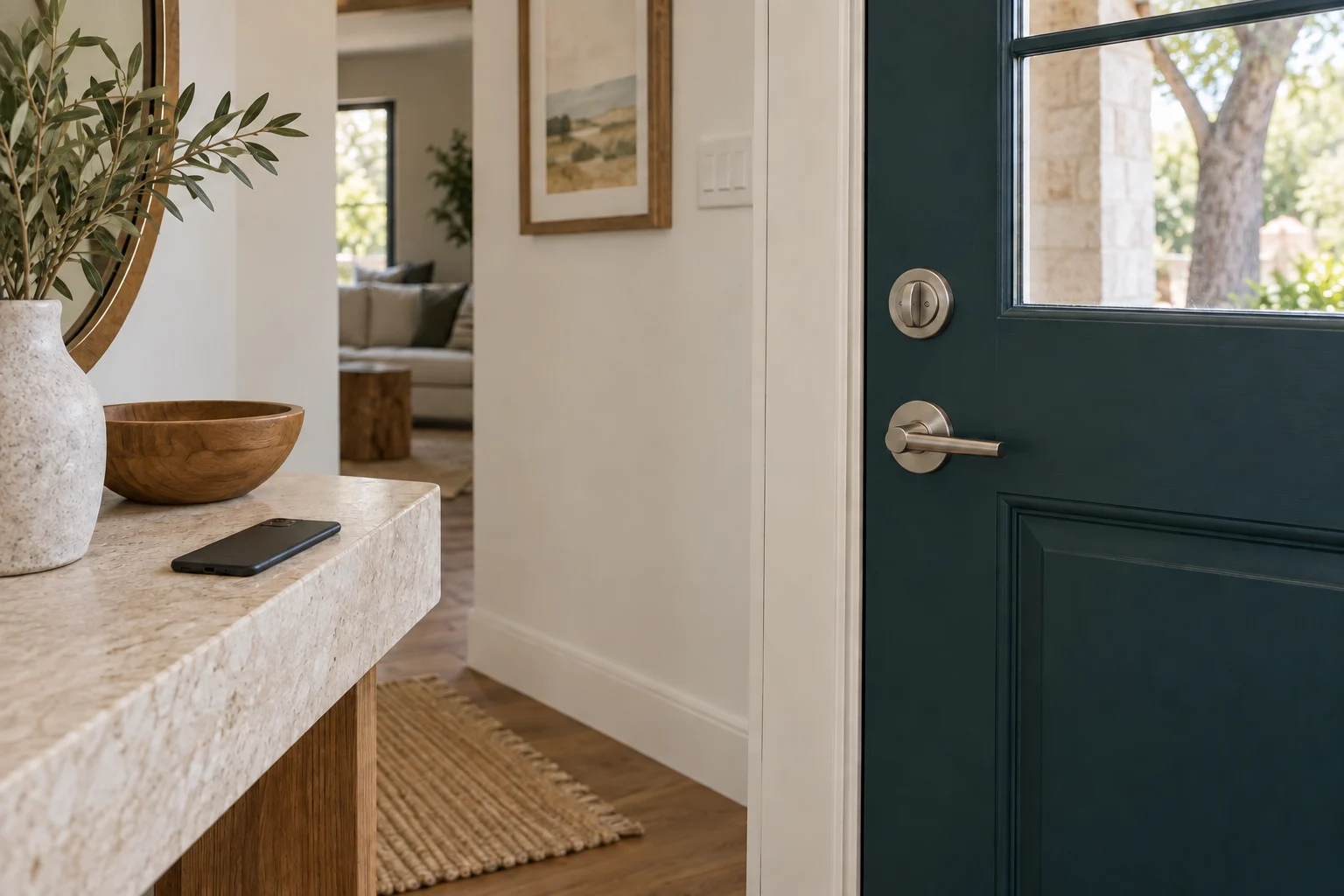
Delaying lock maintenance increases the risk of a hardware failure when you are trying to leave or secure your home. 512 Locksmith has served Austin for more than a decade. If your keys stick in the cylinder, your door fails to latch properly or you want to discuss hardware options for your residential property, reach out to 512 Locksmith to schedule a hardware inspection.
Call (512) 777-0021 to book a service visit. Texas license B07298601.
Sources and further reading
- Schlage Encode PlusSchlage
- Schlage Sense ProSchlage