

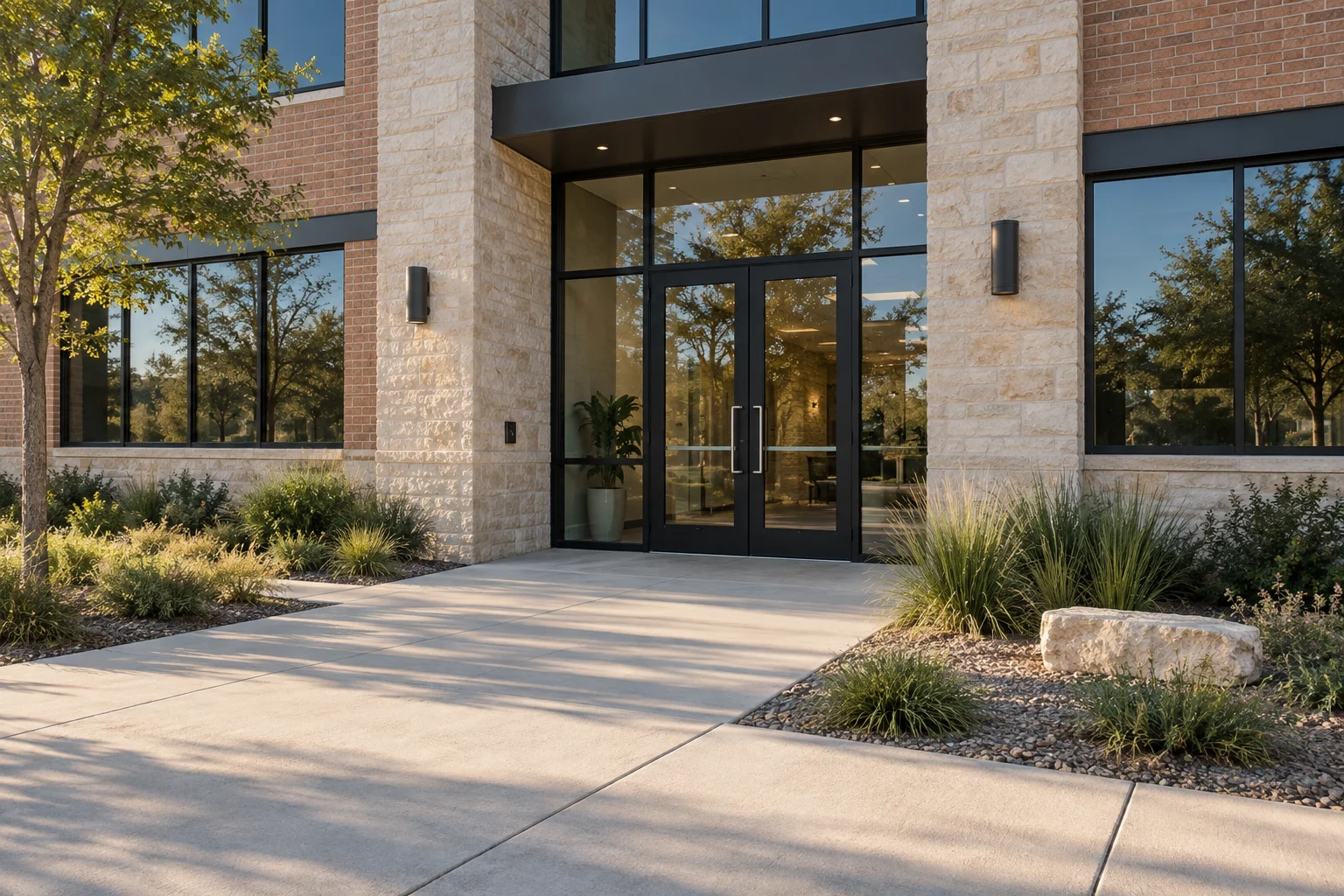
Choose cameras around the view you need: an entrance, a retail counter, a loading dock, or a wider perimeter. Housing style, lens selection, lighting, and recording architectures are separate choices. A camera that shows general activity across a parking lot may not capture the detail required to identify a face at a doorway.
In this guide
Evaluating what you need to see
Define the target view before choosing a camera. Detecting movement, recognizing a familiar person and identifying an unknown person require different detail. A narrower view can put more pixels on a subject, but lighting, distance, angle and movement still affect the result. Test the actual entrance rather than promising identification from resolution alone.
Start with the footage you need
Camera position and recording settings decide what the footage can answer.
- Camera position
- Field of view
- Recording
Further reading: Axis Communications: Axis edge storage, Axis Communications: AXIS Camera Station Cloud Storage
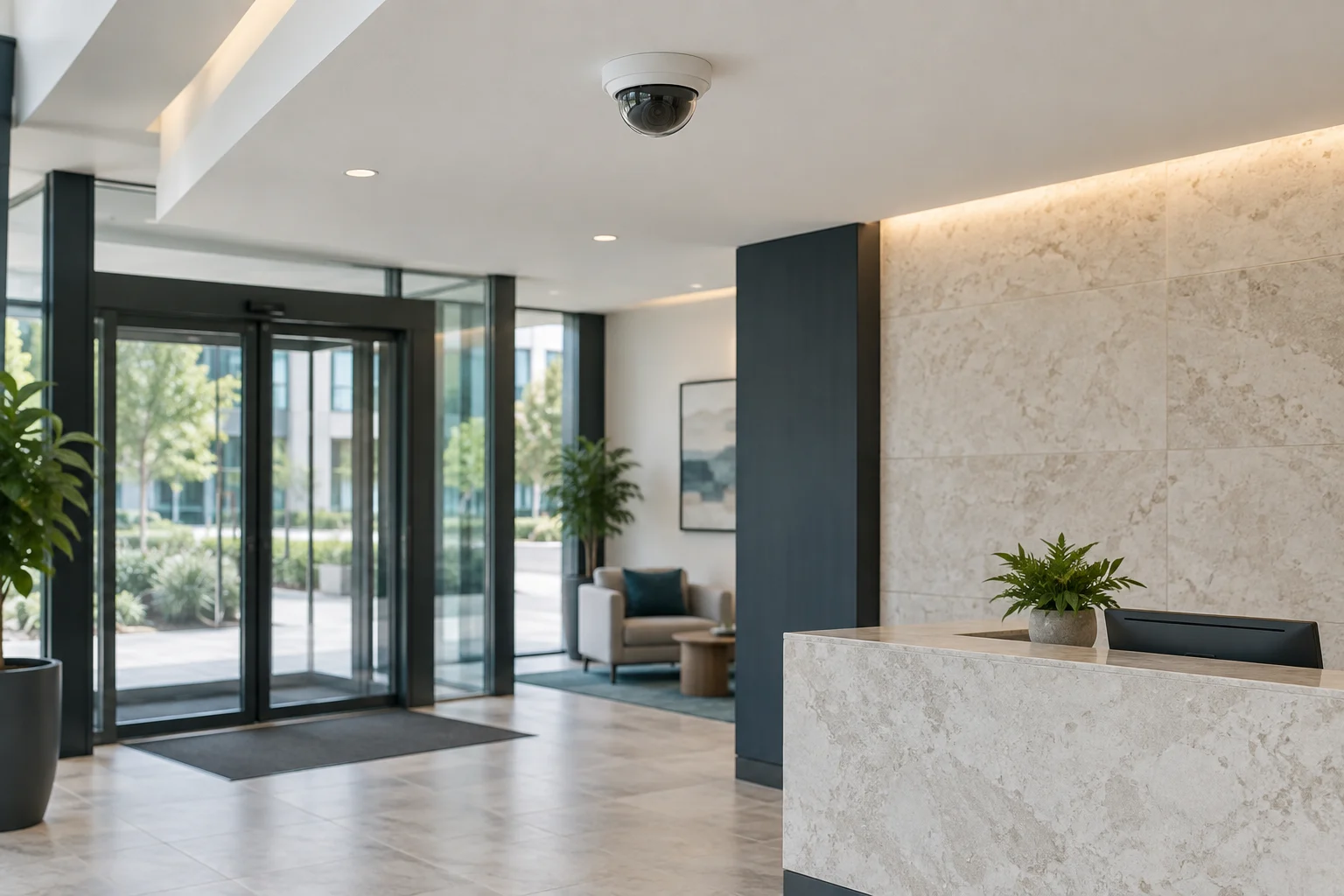
Dome camera in a commercial lobby
Types of commercial security cameras
Different environments require different camera styles. The exterior shape protects the components and deters interference, but the internal electronics determine the image quality. Reviewing the standard categories helps narrow down the hardware choices.
Dome cameras
Dome cameras enclose the lens in a transparent, dome-shaped housing. They are useful where appearance matters or where you want to make it difficult for an observer to see exactly where the lens points. Weather, vandal, and impact ratings vary significantly by model. Keep the dome clean according to the manufacturer's instructions, as dust, fingerprints, or scratches on the cover can degrade the image, especially when internal infrared lights reflect back into the lens at night.
Bullet cameras
Bullet cameras have a projecting housing that makes their viewing direction more apparent. Choose the shape for mounting, appearance and environment; it does not establish range or image detail. Compare the actual lens, sensor and ratings.
Pan, tilt, and zoom (PTZ) equipment
PTZ cameras can be redirected or zoomed through manual controls or automated software. While they offer flexibility, a PTZ camera cannot watch every direction at once. If the camera is currently pointed at the perimeter gate, it is not recording the loading bay. Decide whether a staff member will actively operate the camera or whether a supported tracking function meets the need. In many commercial settings, installing multiple fixed cameras provides more reliable continuous coverage than relying on a single moving unit.
Day, night, and thermal cameras
Check day and night views under actual lighting. Infrared illumination can help within the camera's effective range. Thermal cameras show heat differences and can support detection, but performance depends on the scene and atmospheric conditions; they do not substitute for visible detail such as a face or plate.
Start with the entrance
Analog versus network IP systems
Analog systems transmit video to a recorder over suitable cabling. IP cameras send digital video over a data network, and supported models can receive power through Ethernet. Existing wiring, required views and recording compatibility determine whether replacement, an encoder or a mixed system makes sense.
Recording and storage architectures
High-definition video creates massive data files. How you record and store that footage determines how easily you can retrieve it after an incident and how safe the data is from hardware failure.
Local NVR and edge storage
A local network video recorder can collect several cameras. Some cameras also support onboard edge storage. Continued recording during a network problem requires the camera to remain powered and the configuration to support it. Axis edge storage is one example; automatic recovery to a recorder depends on the compatible camera and video-management system.
Cloud storage and remote viewing
Cloud storage can preserve footage that has already uploaded if local equipment is damaged or removed. It does not protect a clip that never reached the service. AXIS Camera Station Cloud Storage illustrates a product-specific option. Compare bandwidth, retention, account security and supported cameras before choosing local, cloud or hybrid recording.
Start with the footage task
See an approach
Define the area and lighting for that view.
Identify a person
Check whether the planned image quality supports the purpose.
Keep evidence
Specify retention, export and administrator access.
Managing retention, export, and account permissions
Recording video is only part of the job. A business must control who can view the footage. Assign a dedicated administrator account to manage permissions rather than sharing a single login among all managers. The administrator controls who can view live feeds, who can review past footage, and who can change system settings. When an incident occurs, the authorized user must know how to export the relevant clip in a standard format that law enforcement or insurance adjusters can view, while maintaining a clear audit trail of who accessed the data.
Where appropriate, use supported privacy masks to exclude areas outside the intended view. Check whether the mask applies to live images, recordings and exports, and test the result. Review privacy boundaries before finalizing angles; a software mask does not replace a suitable recording plan.
Separate access permissions
Frequently asked questions about commercial surveillance
Do security cameras record audio?
Do cameras record audio?
Audio capability and permission to record are separate questions. Before enabling microphones, review the site's recording and privacy requirements with an appropriate adviser. Do not infer consent rules from the presence of a microphone or a generic camera guide.
Will a camera system stop break-ins?
Will cameras stop a break-in?
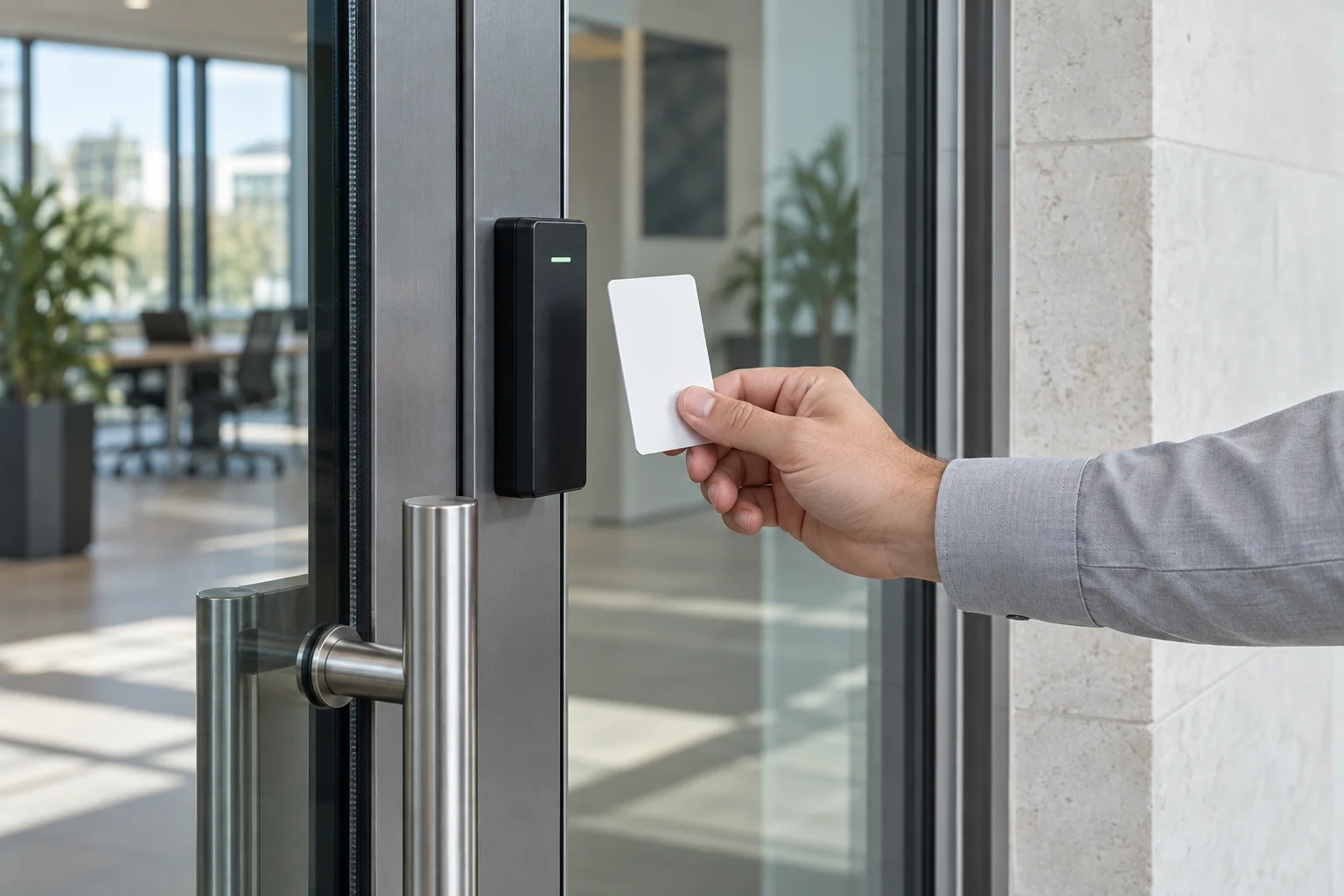
Cameras can support monitoring and investigation, but recordings are not a physical barrier. Suitable doors, locks and access control help manage entry. A camera and a lock solve different parts of the problem.
Can I view my cameras on my phone?
Can i view the cameras on my phone?
Remote viewing depends on the selected system and configuration. Use its supported access method, individual accounts and available multifactor authentication. Test permissions so staff can view what they need without automatically gaining administrator or export access.
How long do cameras keep recorded video?
How long will recordings remain available?
Retention depends on storage capacity, camera count, image settings and recording schedule. Set a required period, then verify actual recording and overwrite behavior. For example, a business choosing a 30-day goal should size and test for that goal rather than assuming any recorder delivers it.
Professional security installation
Installing a reliable system involves running cables, configuring network settings, focusing lenses, and setting up secure accounts. If you need help evaluating your property or upgrading an existing surveillance system, contact 512 Locksmith to confirm whether the project can be supported. You can reach dispatch 24/7 at (512) 777-0021. 512 Locksmith has served Austin for more than a decade (Texas license B07298601). Provide the current equipment details, your intended views, and your storage requirements so a technician can discuss which installation, recording, and ongoing support work a quote includes.
Sources and further reading
- Axis edge storageAxis Communications
- AXIS Camera Station Cloud StorageAxis Communications