

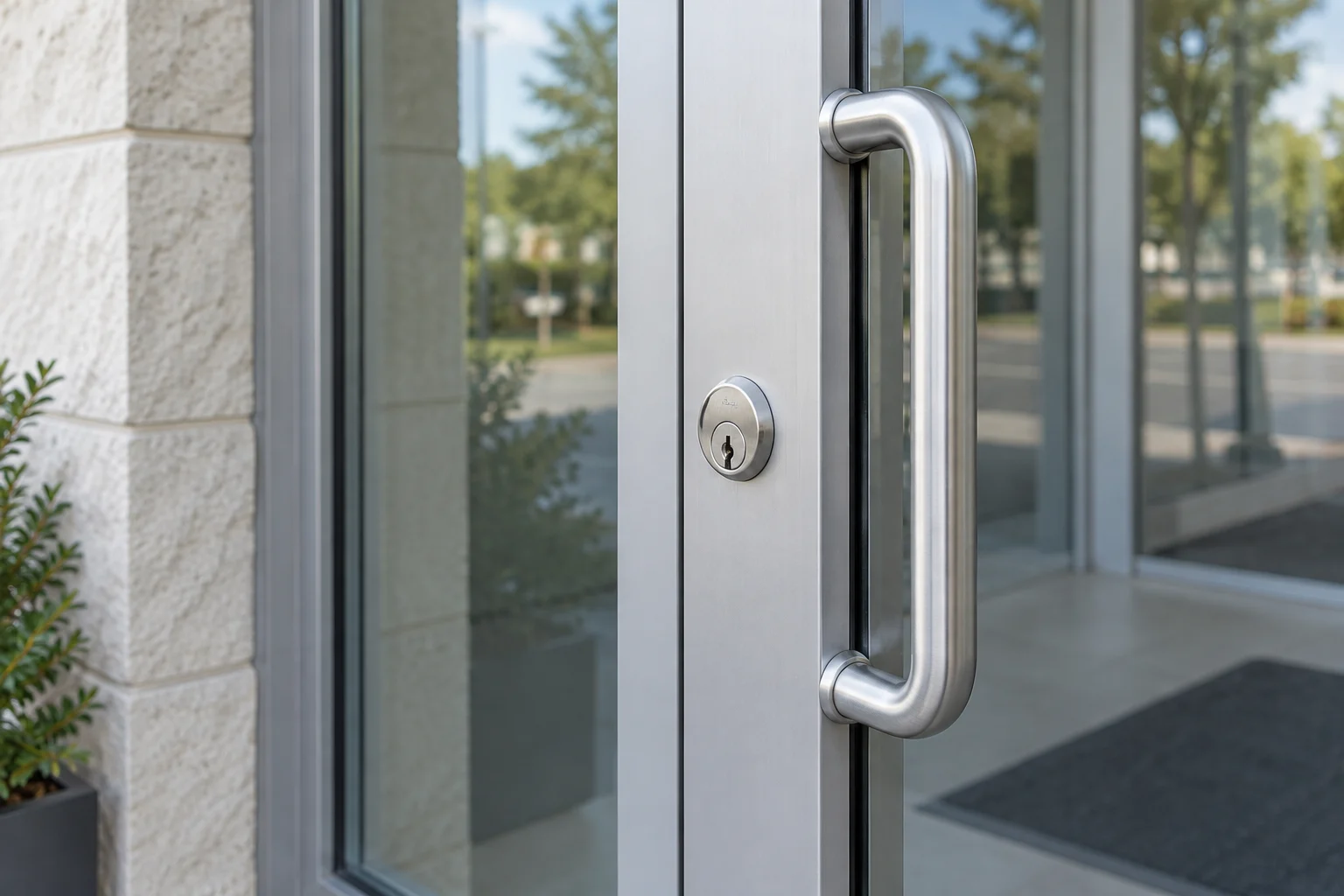
A business entrance has to admit authorized people, withstand its actual traffic and let occupants leave safely. Start by describing who uses each door, when they need access and what currently interrupts work. 512 Locksmith has served Austin for more than a decade; a clear door and user list helps turn a broad security request into a defined project.
In this guide
- 01Establish authority and door schedules
- 02Mechanical keys versus electronic access control
- 03Managing employee turnover and access changes
- 04Exit hardware compatibility and safe egress
- 05Project handover and ongoing maintenance
- 06What to include in a commercial quote request
- 07A mobile credential is a system choice
- 08Frequently asked questions about commercial hardware
Mechanical keys versus electronic access control
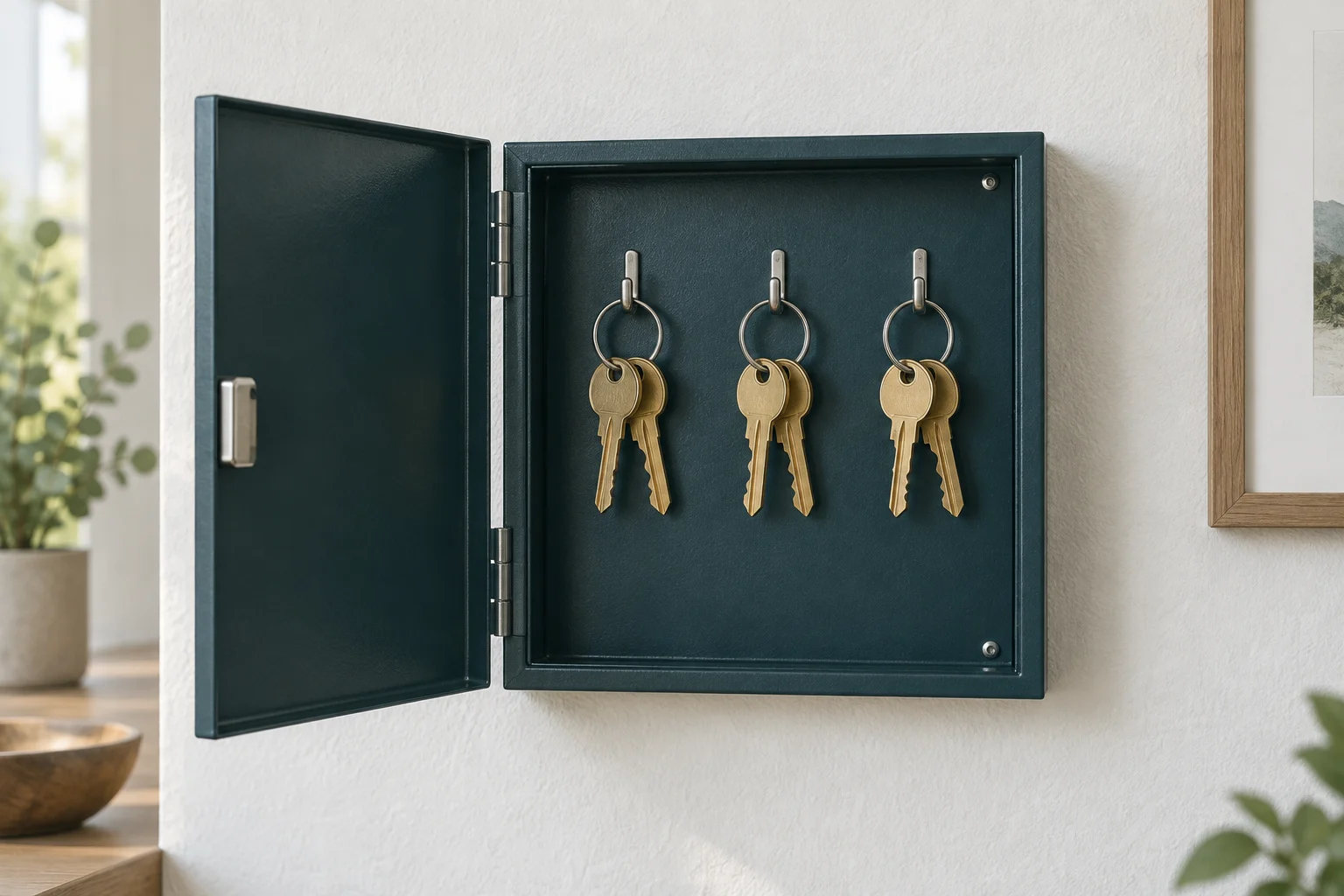
A master key system can give different keys access to selected door groups. Its hierarchy is designed for the property, not automatically one key for every manager and a separate key for every door. A missing master can affect several cylinders; use the schedule to determine the response.
Electronic access control may support individual credentials, schedules and activity logs. Confirm each feature in the proposed hardware and management system. A log records credential use, not proof of who entered. Also establish when a removal reaches offline doors; it may require a connection or an update at the lock.
Set of commercial keys
Managing employee turnover and access changes
Employee turnover requires a process for managing access changes. When a staff member leaves, you must review the keys, access cards, alarm codes and digital accounts they held. If they possessed a mechanical key, you have to decide whether to rekey the affected locks. For planned changes across business doors, review commercial lock rekeying; a door list and current key schedule help keep the scope clear. If you rely on a shared keypad code for the back door, removing one employee means you should change the code for everyone, which requires communicating the new code to the remaining staff.
For electronic access, remove the relevant individual credential and check any shared codes, backup keys and administrator accounts separately. Record what changed and verify that permissions reached the affected doors. One disabled card does not account for every access method a person held.
Map who can enter each opening
An access change spans doors, keys and digital permissions.
- Entrance
- Access gap
- Separate controls
Exit hardware compatibility and safe egress
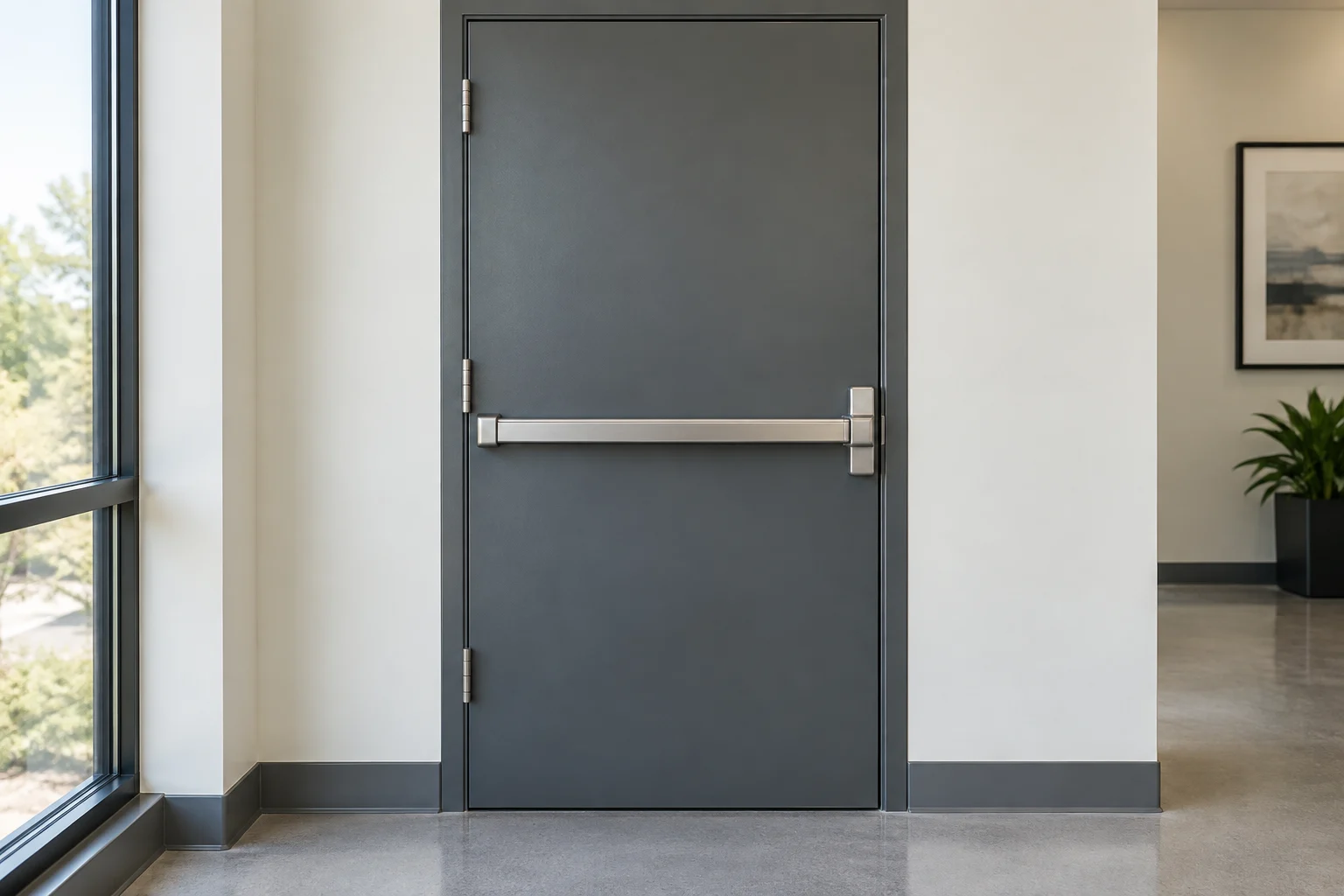
Commercial doors are regulated by building and fire safety standards. Hardware must suit the door size, traffic volume and applicable accessibility or exit requirements. A product sold generally for commercial use still needs to be matched to your actual entrance. Ask a qualified installer to assess panic hardware, crash bars, electric locking and fire-rated assemblies against the requirements for your specific building and occupancy. A safe exit must remain usable from the inside at all times. Do not add an extra deadbolt, padlock or chain to a malfunctioning exit door as a temporary fix, as this creates a severe hazard during an evacuation.
Often, a door that drags, slams or fails to latch requires hinge alignment or a new door closer rather than a replacement lock cylinder. A heavy commercial door relies on the closer to control its momentum and seat the latch securely into the strike plate. If the door slams shut or sits ajar, the lock cannot function properly. Explain exactly when the problem occurs and whether weather changes affect the door frame. Photos of the door edge, existing labels and current hardware can help the provider prepare the correct parts.
Exit door hardware
Project handover and ongoing maintenance
Project handover determines how effectively your staff will manage the new hardware. For an electronic access control system, verify who owns the administrator account. The business owner or designated security manager must hold the primary administrative credentials, not just the installing technician.
Request a walkthrough of the new system. Understand how to add a new user, delete a lost key fob and pull an activity log. If the system uses batteries, ask for the manufacturer instructions regarding battery replacement, approved lubricants for mechanical parts and procedures for backup entry if the power fails. Keep a detailed record of which keys operate which doors, the hardware models installed and the warranty documentation for future maintenance.
Plan an access change
Map
List doors, users and existing credentials.
Approve
Identify the person authorized to change each opening.
Handover
Test exits and transfer keys, codes and administrator accounts.
What to include in a commercial quote request
- The property address, total door count and type of building.
- The existing lock, door closer or access-control brand and model, where known.
- The number of users and the specific access levels you need.
- The name of the person who can authorize work and provide proof of permission.
- Working hours, delivery windows and any access restrictions for the technician.
- Who will administer the credentials and maintain records after installation.
Ask the provider to separate diagnosis, parts, labor, programming and any recurring service charges in the quote. Confirm who handles warranty questions and later access changes.
Document the opening

A mobile credential is a system choice
HID Mobile Access is one example of phone and watch credentials for compatible commercial systems. Choosing a supported reader is only part of the decision: the credential service, management software and user devices must also work together. Ask how a lost phone is removed, how offline doors receive changes and who administers the account. A model name is a useful starting point, not proof of compatibility with every existing panel.
Frequently asked questions about commercial hardware
How does a master key system differ from keyed alike locks?
Keyed-alike locks accept the same operating key. A master system supports planned access groups and may include several locks sharing a user key. The cylinder design and key schedule determine which combinations are possible.
Can an electronic commercial lock use a mechanical backup key?
Some electronic locks include a mechanical override; a reader by itself does not. Check the complete opening and emergency arrangements. Track any backup keys and understand whether their use appears in the system's activity records.
What should i do if a commercial door drags or fails to latch?
Check the door closer, hinges and alignment first. A sagging door or a leaking closer will prevent the latch from aligning with the strike plate. Replacing the lock cylinder will not fix a door that does not close properly.
Who owns the access control administrator account?
Agree who controls the system and which permissions that role needs. The property owner, tenant and managed-service provider may have different responsibilities. Ensure the authorized business administrator can perform agreed tasks and has a documented support and recovery route.
For an office lockout or planned commercial hardware upgrades, call (512) 777-0021. 512 Locksmith holds active Texas business license B07298601. Dispatch is available 24/7; the team can confirm the options, part compatibility and timing for your property.
Sources and further reading
- HID Mobile AccessHID Global