

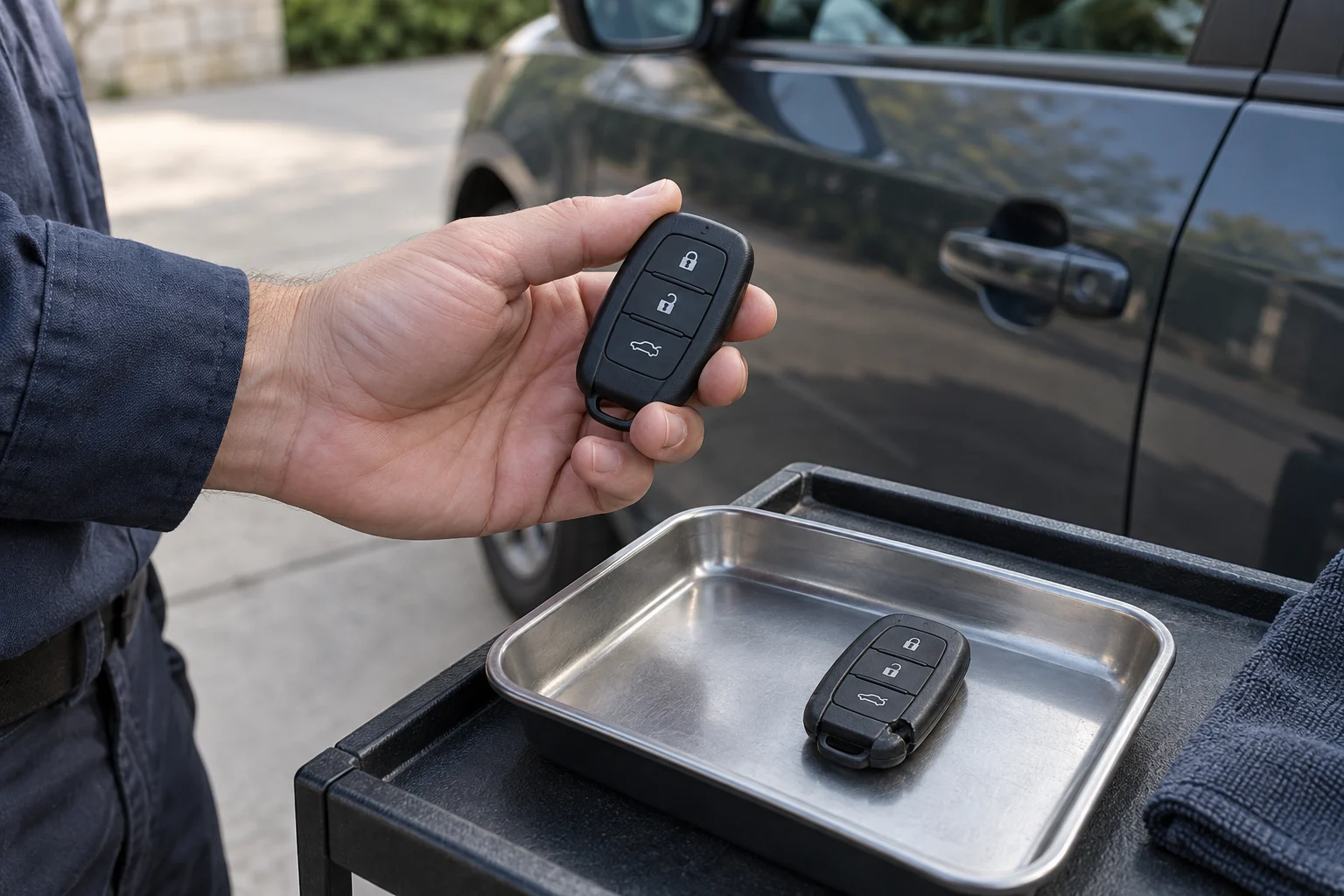
A weak remote battery can leave you standing next to your vehicle pressing buttons repeatedly with no response. Many fobs have replaceable batteries, but some designs need a different service procedure. Find the instructions for your exact key before opening the case.
In this guide
- 01Signs to check for a weak remote battery
- 02Using the mechanical backup key
- 03Identifying the correct coin battery
- 04Opening the key fob casing safely
- 05Replacing the battery and protecting the electronics
- 06Keep coin batteries away from children
- 07Recognizing physical wear versus battery failure
- 08Testing the remote and troubleshooting failures
- 09Remote functions versus transponder chips
- 10Check the backup starting method before you need it
- 11Frequently asked questions about key fob batteries
- 12When to ask for diagnostic help
Signs to check for a weak remote battery
Reduced range, repeated button presses or a low-battery warning can justify checking the fob battery. They can also overlap with other faults. Use the manual for your exact key, and do not assume sudden failure proves either a dead battery or broken electronics.
Using the mechanical backup key
Some fobs include an emergency blade for a mechanical entry method. Its location and supported use depend on the vehicle. Identify the procedure in the owner manual before removing trim or trying to open the case.
Follow the vehicle's instructions for any concealed door cylinder and alarm response. Mechanical entry can affect the alarm, but there is no universal sequence for silencing it. Do not copy a trim-removal or starting procedure from another model.
Identifying the correct coin battery
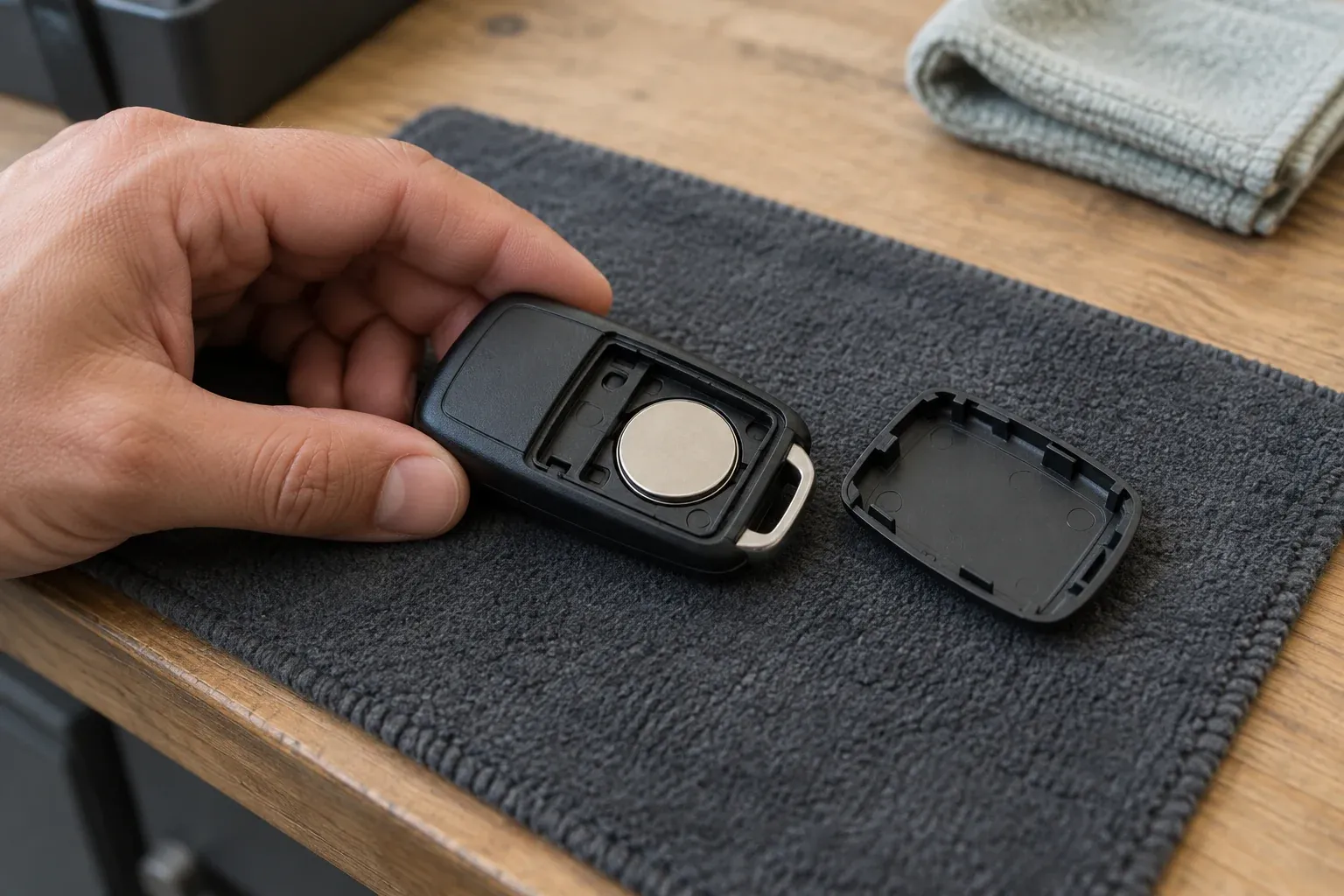
Most vehicle remotes use small lithium coin batteries. CR2032, CR2025 and CR1620 are common sizes, but they are not interchangeable just because they look similar. The numbers designate the physical dimensions. A CR2032 is 3.2 millimeters thick, while a CR2025 is 2.5 millimeters thick. Inserting the wrong size can bend the internal contact prongs or prevent the plastic shell from closing.
Check your vehicle owner manual or read the engraved text on the back of the current battery to confirm the correct type before starting. Do not guess based on what is available at the store.
Before replacing the fob battery
Check the exact model and test the whole remote afterward.
- Cell
- Contacts
- Lock functions
Further reading: Ford: 2024 Ford F-150 U.S. owner manual
Key fob workbench
Opening the key fob casing safely
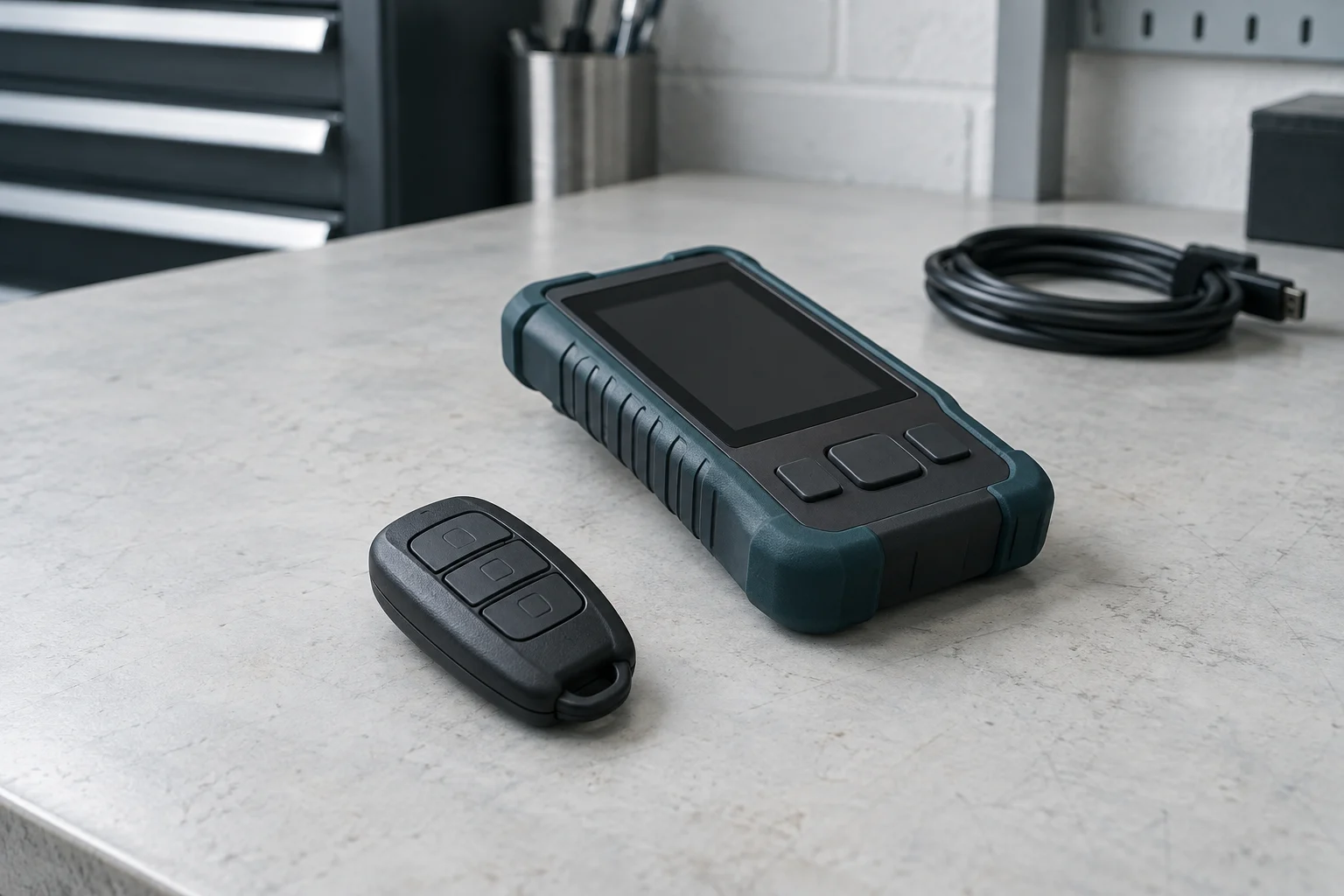
Use only the opening point, tool and procedure shown for the exact fob. If its case or fasteners differ from the illustration, stop and identify the correct instructions.
If the case resists, do not force it. Some fobs have hidden fasteners or a sealed design that requires different servicing. Prying can damage the case or electronics.
Replacing the battery and protecting the electronics
Check the battery type and polarity in the exact owner instructions. Follow that model's removal procedure rather than assuming every battery slides out of the same kind of clip.
Avoid touching the circuit board and follow the manual's handling precautions. Do not bend contacts or apply liquid cleaners as a generic troubleshooting step. If corrosion or damage is visible, stop and seek an assessment.
Refit the battery and case using the manufacturer's procedure, checking that the cover and any screws or seals sit as intended. Stop if the case does not close normally.
The battery compartment
Keep coin batteries away from children
Keep both the new and removed battery out of reach of children and pets. Do not leave a loose battery on a worktop or in a bag. Coin batteries pose a severe internal hazard if swallowed. Follow local disposal instructions and get urgent medical help if a battery may have been swallowed.
Recognizing physical wear versus battery failure
Uneven button response, a cracked shell or visible wear can point to a problem beyond the battery. Different buttons may fail for different reasons; one working button does not prove the battery or circuit is healthy. Report those differences when seeking diagnosis.
Similarly, if the plastic shell flexes or separates slightly when you turn the mechanical key in the ignition, the structural integrity of the fob is compromised. A new battery will not fix broken plastic or degraded rubber. Understanding these physical symptoms prevents wasted time swapping batteries in a structurally broken remote.
Testing the remote and troubleshooting failures
Test the agreed remote functions near the vehicle, while keeping a safe alternative way to enter. If they fail, recheck the specified battery and orientation using the manual. Stop short of bending contacts or probing the circuit.
Persistent failure can involve the battery, contacts, case, electronics or vehicle receiver. Tell the provider about drops, water exposure and whether a second authorized key works. Those observations narrow the assessment without proving one failed component.
Check the fob in order
Identify
Find the exact battery type and polarity for the model.
Replace
Use the documented case opening method and contain the old cell.
Test
Check the functions named in the owner's instructions and keep a backup access method.
Remote functions versus transponder chips
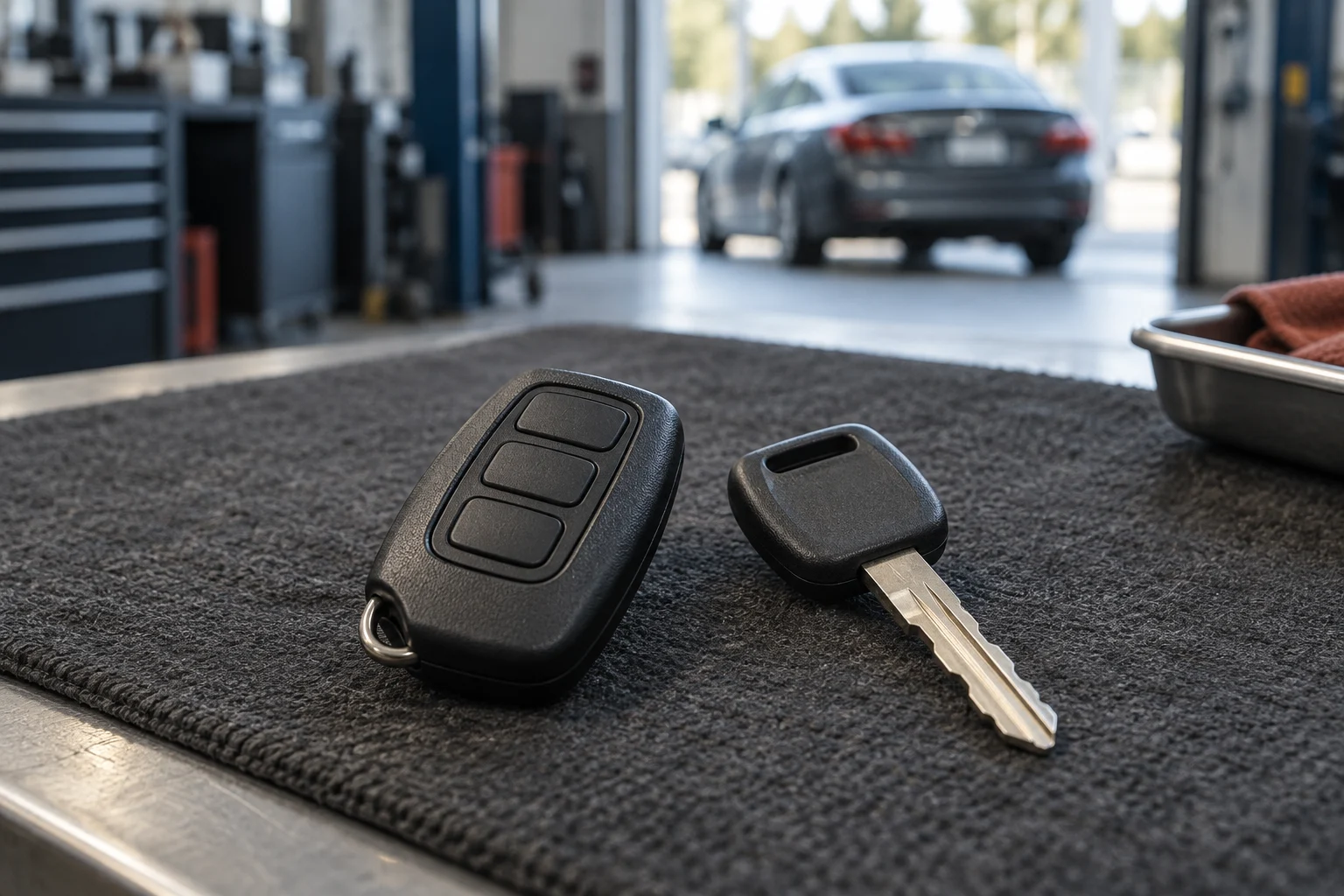
Remote buttons, passive entry and starting authorization can have different power arrangements. A depleted coin battery may affect one function while a supported backup method remains available. Consult the vehicle instructions; a warning light does not prove the key has lost its programming.
Remote and mechanical parts
Check the backup starting method before you need it
A depleted fob battery can affect normal detection on some vehicles. Check the exact dashboard message and the documented backup procedure rather than assuming every push-button system behaves identically.
The 2024 Ford F-150 U.S. owner manual describes a backup position for versions with keyless entry and push-button start. That is a model-specific example, not an instruction for every Ford or fob. Use the manual matching your vehicle and equipment; a valid key and otherwise functioning vehicle are still needed.
Frequently asked questions about key fob batteries
Will changing the battery erase the remote programming?
Follow the exact vehicle instructions for battery replacement and any required synchronization afterward. Do not assume a failed remote needs programming merely because its battery was changed; persistent faults need diagnosis.
How long should a new remote battery last?
Battery life varies with the fob, battery specification, use and conditions. Follow the vehicle's warnings and maintenance guidance. Keep the correct replacement available without assuming a particular multi-year interval.
Why does my car say the battery is low after a replacement?
Recheck the specified battery, orientation and manufacturer instructions. A continuing warning may need a model-specific check or diagnosis. Do not drive or cycle the ignition repeatedly based on a generic reset claim.
Can a weak battery prevent the car from starting?
A weak battery can affect normal key detection. Some vehicles support a backup starting method, but it is not a guarantee that the engine will start. If the documented method fails, stop and arrange diagnosis rather than concluding the key is damaged or needs programming.
When to ask for diagnostic help
If replacing the battery does not resolve the issue, ask for diagnosis before arranging transponder key programming or a new fob. A spare key and an all keys lost job need different work. If a second fob works and the first does not, report that difference when requesting help.
Call 512 Locksmith at (512) 777-0021 to discuss your remote issues. Serving Austin for more than a decade, dispatch is available 24/7 to help assess your vehicle access situation. Texas license B07298601.
Sources and further reading