
Gate credentials

Gate access-control systems in Austin

Manage staff, visitor and delivery access with a system planned around your gate, credentials and the people responsible for daily administration.

14+ years serving Austin
2,500+ Google reviews 4.9/5
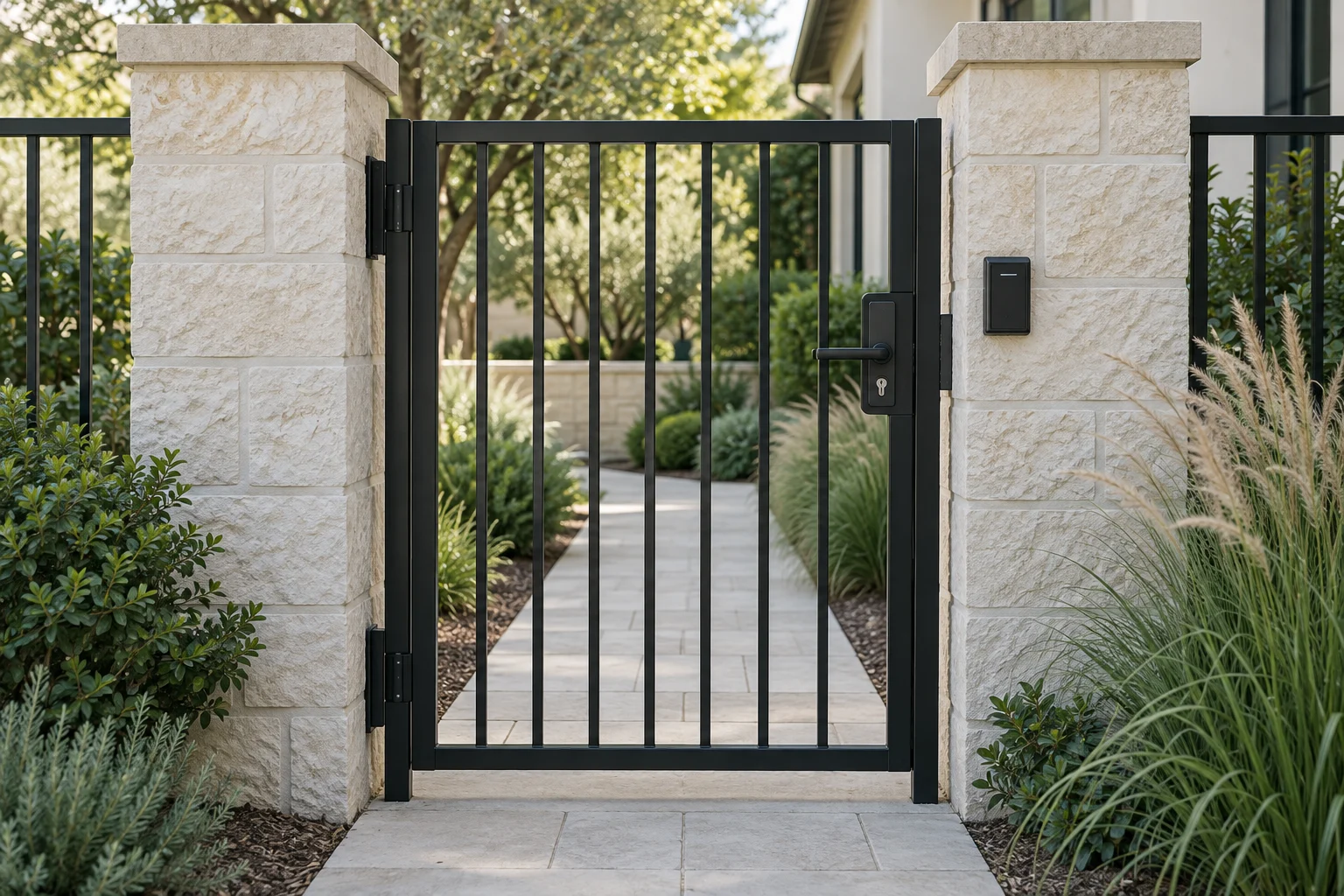
A black pedestrian gate between limestone pillars with an access reader.
01

Users and credentials

Decide who needs to pass through the gate

A staff entrance, a visitor driveway and a receiving gate have different access routines. Start with the people and vehicles that should enter, when they need access and who will manage changes. 512 Locksmith installs and services gate access control in Austin, connecting those rules with the gate hardware and any automatic operator.

A keypad that accepts a code but does not open the gate is not the same problem as a reader that rejects one employee's credential. Tell us what happens in sequence and whether other users are affected. We check the access decision and the equipment that carries it out rather than assuming a new reader will solve every fault.

Choose credentials around the users

Codes can be useful for a small group, but widely shared codes are difficult to associate with one person or withdraw selectively. Cards and fobs can support individual access when the system is designed for them. Mobile credentials introduce another option, with supported phones, readers and platform requirements that need checking together.

A vehicle tag and a pedestrian badge may need different reader positions and technology. Drivers should be able to use the intended control from a suitable stopping position, while pedestrian access should have its own appropriate route. Reach, queuing and the path of a moving gate belong in the site plan.

Visitor and contractor access needs an owner too. Decide who answers a call, who can approve entry and how a temporary credential expires or gets removed. A system can only follow the rules it has been given; a shared permanent code for every delivery can undermine the management benefit you expected.

02

Reader and opening

Intercoms and readers are parts of the system

The LiftMaster CAPXLV2 is a current example of a video-intercom platform for managed properties. It supports specified reader inputs and relay outputs, with Ethernet or Wi-Fi connectivity. Smartphone control requires a myQ Community subscription, and the listed video calling function has its own service requirement. Those ongoing dependencies should be understood before purchase.

A product like CAPXLV2 does not replace the gate operator or make every existing reader compatible. The gate hardware, controller, credentials, connection and management account still need to form a supported configuration. A smaller property may need a simpler solution; we match the controls to the access routine and management needs.

If your business already uses a platform such as HID-compatible reader hardware or a cloud access system, provide the exact reader, controller and credential details. A familiar logo on both products does not establish that they communicate in the way the project requires.

Plan the physical opening and the connection

For a pedestrian gate, the lock, latch and closer must work with the chosen release method. For a vehicle gate, the access system sends a supported command to the operator; it does not replace the operator's safety functions. Our automatic gate service covers that moving system, while gate-lock work addresses mechanical security and fit.

Outdoor equipment needs the correct mounting, environmental suitability and power arrangement. Network availability at an office desk does not prove there is a reliable connection at the gate. Existing cabling, available pathways and the distance from the building can affect the installation scope.

For a site near The Domain or a multi-tenant business property, identify the equipment owner and the person responsible for the network. The property manager, tenant and IT provider may have different permissions. We define those responsibilities before changing an existing system or ordering connected equipment.

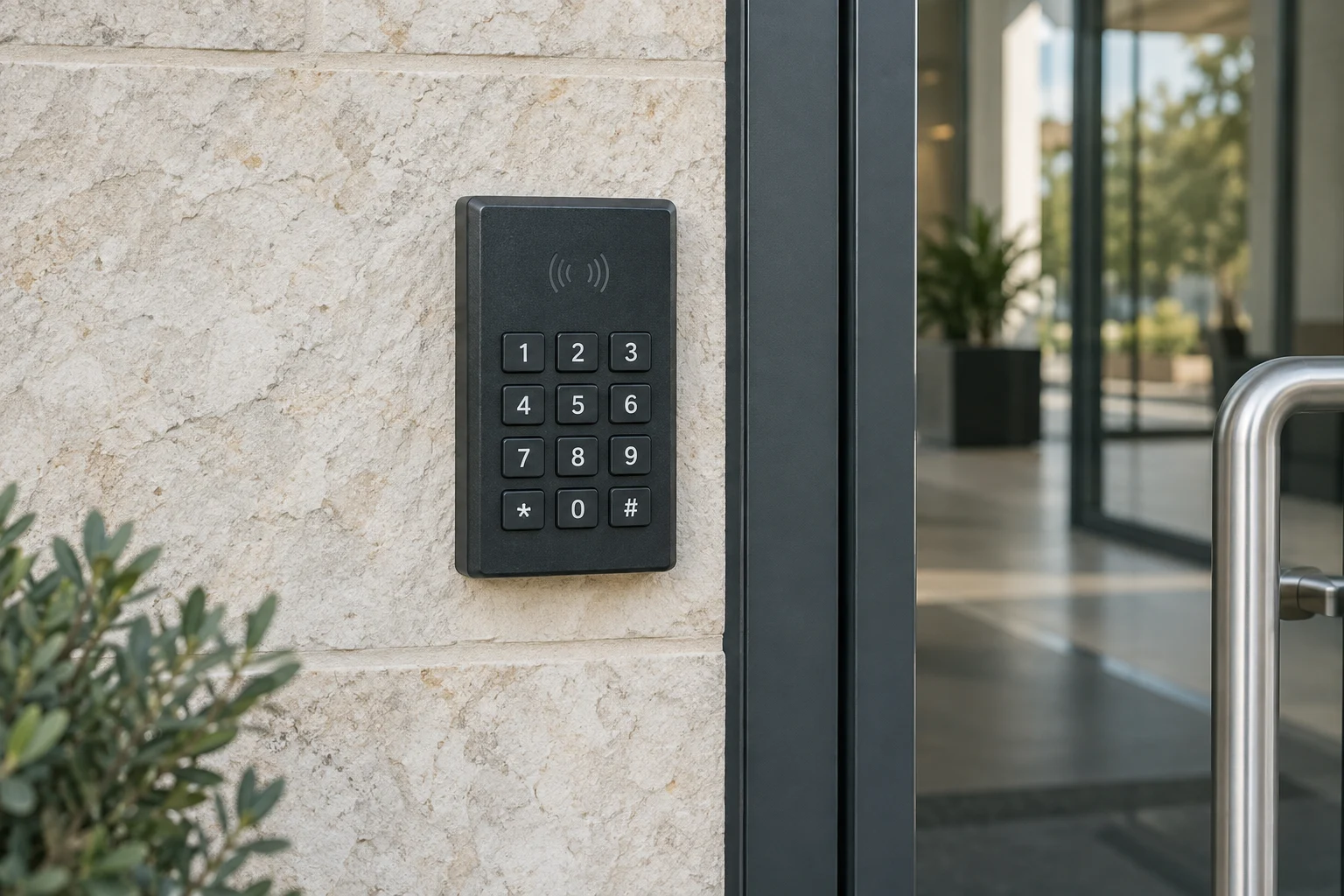
A keypad access reader beside a glass entry door.

A closer look at your locks.

Tell us which brand you have and what you'd like to change. We can discuss options for your door.

  • Adams Rite
  • Alarm Lock
  • Allegion
  • AMSEC
  • ASSA ABLOY
  • Axis
  • Brivo
  • Corbin Russwin
  • dormakaba
  • Gardall
  • HES
  • HID
  • Kisi
  • LCN
  • LiftMaster
  • Medeco
  • Mul-T-Lock
  • Paxton
  • Salto
  • Sargent
  • Schlage
  • Securitron
  • SentrySafe
  • Suprema
  • Von Duprin
  • Yale
03

Power and ownership

Understand offline and power-loss behavior

Ask which access methods continue when the internet is unavailable and which require an online service. Locally stored permissions, remote visitor calls and cloud administration may behave differently. A phone app working during a demonstration does not answer every outage question.

Power loss is a separate event. The behavior of a pedestrian lock or automatic gate follows the selected equipment and approved design. Battery backup does not eliminate the need for an agreed operating and emergency-access plan. The project should explain the expected behavior and who to contact if the system is unavailable, without improvising a bypass.

Keep accounts and access records with the property

The business or authorized property owner should control its administrator account, billing and recovery process. Name the person who adds users, removes former staff and reviews relevant access events. Use appropriate individual permissions where supported instead of sharing the main administrator login.

If an existing installer or manager controls the account, plan the authorized handover. Do not reset equipment casually to gain access; that can erase settings or interrupt working credentials. Preserve an inventory of readers, controllers, operators and subscriptions so future service starts with known information.

Event logs can help review a supported credential transaction, but they do not establish who followed another vehicle through an opening. If visual context is needed, coordinate commercial CCTV with the actual view and recording task. Explain who may review records and how long they are kept.

04

Scope and test

Define the project and test the everyday routine

The quote should distinguish equipment, mounting, power or cabling, network work, configuration, credentials, subscriptions and training. A takeover repair has a different starting point from a new installation. Identify any required permits, property approvals and other-trade work before setting the schedule.

At handoff, an authorized manager should demonstrate an ordinary user entry, a visitor process and removal of a test credential where those functions are included. Review the relevant outage plan and keep the operating instructions secure. The result should be manageable by the people responsible for the site, not dependent on an undocumented installer login.

Call (512) 777-0021 to discuss a gate access-control project. Return to commercial gate services for the complete opening, or commercial locksmith services for related building access work.

From local customers.

4.9from 2,582 Google reviews

Common questions

Answers before you call.

Can staff use one credential for the building and gate?

That depends on the reader technology, controller, credentials and platform. Provide the existing equipment details so compatibility can be checked before choosing a shared access method.

Do phone credentials replace the gate operator?

No. A supported mobile credential authorizes access through the control system. The operator moves the gate, and its required safety functions remain separate.

Will the gate work when the internet is down?

That depends on the system and access method. Review local credential operation, remote visitor calling and administration separately, then document the selected equipment's outage behavior.

Are intercom apps and subscriptions included?

They should be identified in the proposal. Some products require an ongoing service for smartphone control or calling. Confirm who owns the account and pays recurring charges before installation.

Mobile service

Across Austin. Along I-35.

We serve Travis, Williamson, Hays and Bastrop counties. Call with your exact address so dispatch can discuss current availability.

512 Locksmith dispatch

Call about gate users and the existing opening.

Tell us where you are and what needs attention. We can discuss current availability and the appropriate next step.

Call (512) 777-0021Explore Commercial gate services