
Commercial cameras

Commercial security cameras in Austin

A camera system earns its place when you can find the recording you need. We help businesses plan useful views, recording access and a clear handoff instead of choosing equipment by camera count alone.

14+ years serving Austin
2,500+ Google reviews 4.9/5
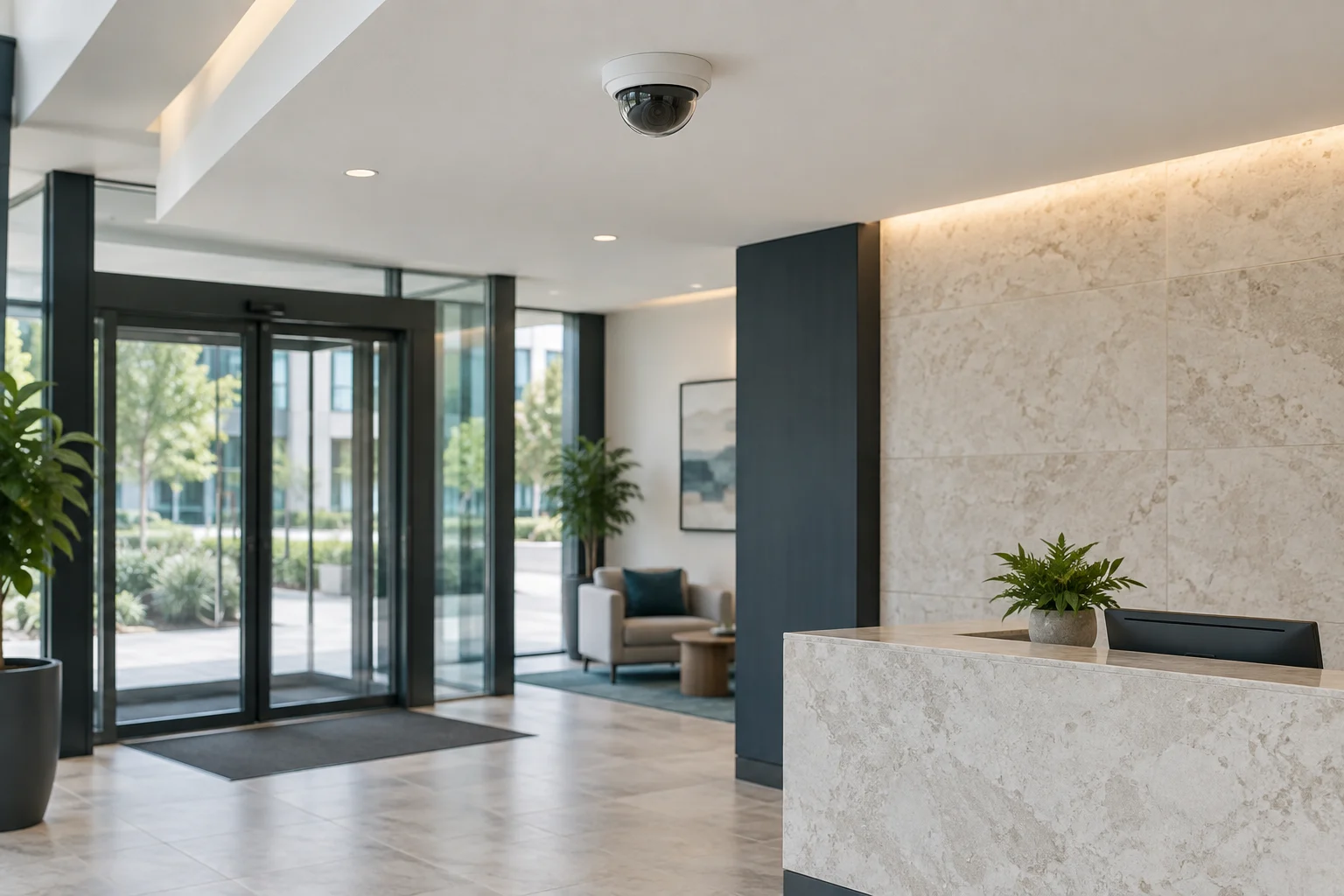
A ceiling-mounted security camera above a reception area.
01

Views and detail

Give each view a business purpose

Start with the event you need to understand. A receiving door may need a view of a delivery handoff. A stockroom entrance may need a record of activity at that opening. A wide view of a sales floor provides context, but it may not supply the detail needed for a different task.

For an Austin CCTV request, list the areas and their purpose before deciding on camera quantity. Include any existing equipment and explain what it fails to show. Replacing a system without understanding that gap can produce a sharper picture of the same unhelpful angle.

Detail depends on the scene

Camera placement, distance, lighting and movement affect the useful image. A fixed picture of an empty doorway is not enough to judge performance when people or vehicles are moving. Strong backlight, nighttime conditions and reflections can change what the recording reveals.

Axis image-quality guidance recommends testing under the required lighting and motion conditions. A higher-resolution label does not by itself guarantee face identification or readable plates. If either is a specific requirement, make it part of the design and acceptance discussion rather than an assumption attached to every camera.

02

Equipment and footage

Inventory the system you already have

Collect camera and recorder models, available login details and any network or cable information. Explain whether the issue is no picture, poor picture, missing recordings or difficulty retrieving clips. Those are different faults. A working camera may be limited by a recorder setting or access problem rather than needing replacement.

Compatibility between old cameras and new recorders needs checking. Existing cabling and power also require assessment. The presence of a cable does not establish that it can support the proposed equipment or that its route is suitable for the project. A takeover should begin with an inventory, not a factory reset.

Specify retention and retrieval

Decide how long the business needs recordings for its purpose and what rules apply to their use. Camera count, recording settings, scene activity and storage all affect actual retention. Ask how the proposed configuration will be checked rather than accepting a fixed number of days based only on disk size.

The manager should know how to find an event, export it and provide it through the business's approved process. A system that displays live video but cannot produce a usable clip has not met that need. Confirm the time settings and camera names so an incident can be located without guessing which entrance Camera 3 represents.

03

Control and policy

Keep account and network control with the business

Identify who owns the administrator account, who can view recordings and who can change settings. Use individual permissions where supported rather than sharing one powerful login with everyone. Recovery information and subscriptions should remain with the organization that owns the system.

Coordinate network requirements with the appropriate IT contact. Remote access should use the product's supported configuration and the business's security policy. Do not publish credentials or accept an undocumented remote-access arrangement simply to make the app work. The person responsible for the site needs a clear record of how the system is accessed and supported.

Cameras and access control answer different questions

An access-control system can manage credentials and record supported door events. CCTV can provide visual context when its view and recording cover the relevant activity. Integration may be useful, but it depends on compatible platforms and an agreed scope.

Neither a credential log nor a camera automatically proves the identity or intent of every person in a scene. Decide what the business needs to investigate and who may review that information. Avoid selecting features purely because they appear on a product list; they need an operational purpose.

Privacy and staff policy belong before installation

Discuss camera locations, access to recordings and any audio function with the responsible business owner. Private areas, neighboring property and shared tenant spaces require careful planning. Applicable privacy and employment requirements should be reviewed with the business's advisers; an installation quote is not a complete legal policy.

Biometric identification and automated analytics deserve their own review of accuracy, permissions and data handling. They should not be enabled casually as a default upgrade. The scope needs to distinguish the functions the organization has deliberately approved from features that happen to be available in the product.

04

Quote and playback

Quote the work around the site

The proposal should name the views, equipment, recording setup, cable routes, mounting and handoff. Work at height, difficult surfaces and network changes can affect labor. Subscriptions, monitoring and ongoing support should be listed separately where applicable.

For a receiving area or occupied office, coordinate access and work windows with the manager. Deliveries and staff movement may prevent uninterrupted work at a particular location. The address, site contact and approved installation route are more useful than a generic promise about finishing every system in one day.

Demonstrate playback before completion

An authorized user should sign in, locate a test event and export the recording. Review notifications and the process for reporting an offline camera or recording fault. Keep the equipment inventory, account ownership and support details where the next manager can find them securely.

Call (512) 777-0021 to discuss the business and recording goals. For a household system, see residential cameras. Our commercial locksmith services place CCTV alongside physical door and key control so each part has a clear job.

From local customers.

4.9from 2,582 Google reviews

Common questions

Answers before you call.

How many cameras does our business need?

That follows from the views and tasks you need covered. Start with the entrances, receiving areas and other approved locations, then check gaps and overlap. More cameras do not automatically provide better evidence if the angles are wrong.

Can you guarantee readable license plates?

Not from a generic camera specification. Plate capture depends on the scene, placement, lighting, movement and suitable equipment. If it is a required outcome, it needs a specific design and acceptance test rather than a blanket promise.

Can we reuse our existing recorder?

Model support, available channels, recording requirements, credentials and condition determine that. Provide the current equipment list and the problems you want solved so the assessment can identify what is useful to retain.

Is professional monitoring included?

Camera installation, recording, phone alerts and a monitored response are separate services. The proposal should identify exactly which functions and subscriptions are included. Do not assume someone watches the system because it records continuously.

Mobile service

Across Austin. Along I-35.

We serve Travis, Williamson, Hays and Bastrop counties. Call with your exact address so dispatch can discuss current availability.

512 Locksmith dispatch

Call about the views and existing system.

Tell us where you are and what needs attention. We can discuss current availability and the appropriate next step.

Call (512) 777-0021Explore Commercial locksmith