

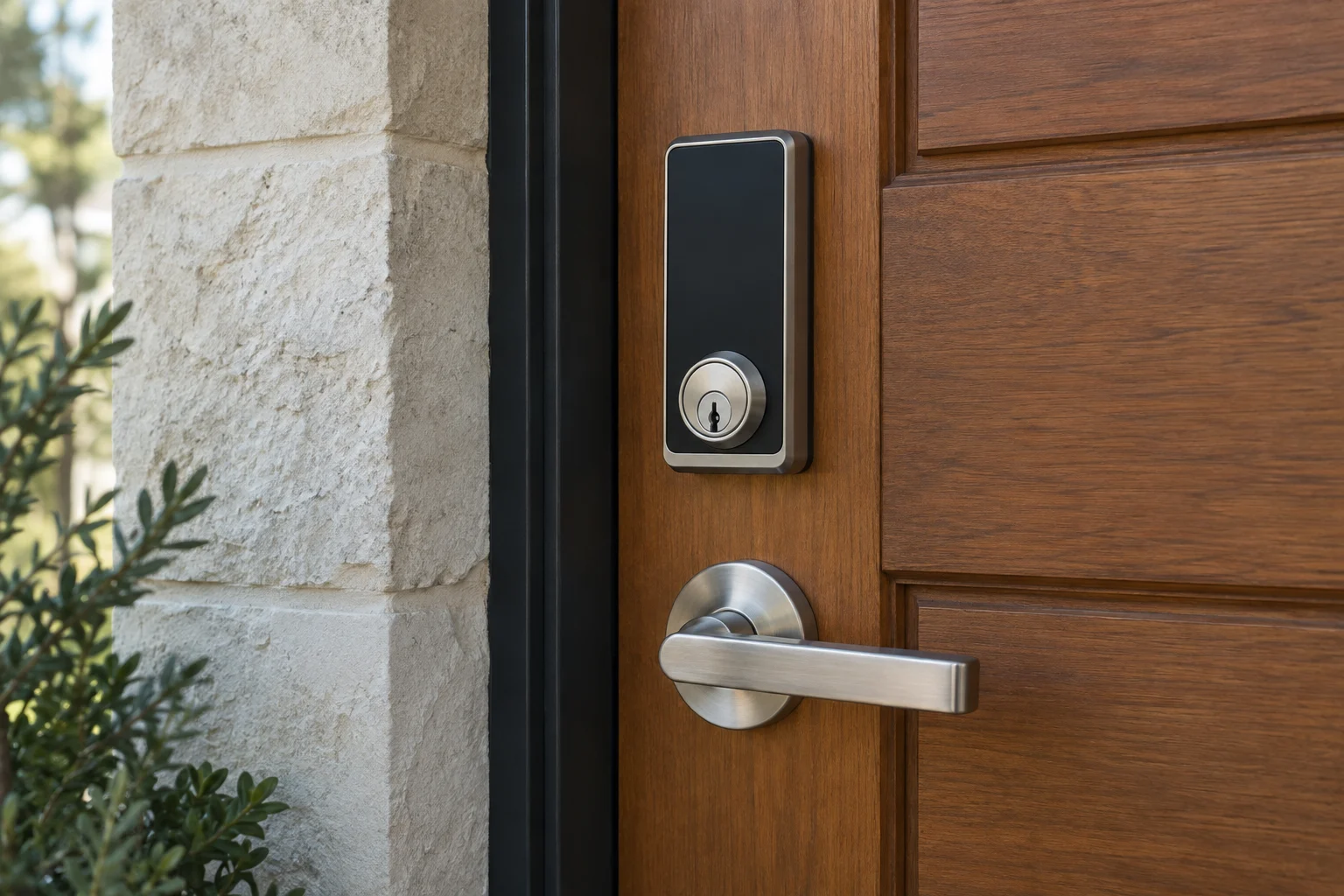
A traditional lock is often a good fit when a physical key suits everyone using the door. A smart lock can help when you need individual codes or connected access. Compare the actual products, their fit and the backup plan rather than assuming one category is always more secure.
In this guide
How traditional mechanical locks operate
Many common mechanical door locks use a key and cylinder to operate a latch or deadbolt without batteries. Other mechanical designs work differently. The practical advantage is that normal operation does not rely on an app or network, although wear, weather and door alignment can still cause trouble.
A mechanical lock keeps everyday use straightforward, but keys still need managing. If one goes missing, consider what it opens and where it was lost. Rekeying is a common option for suitable hardware when you need to invalidate old keys.
The mechanical option
How electronic smart locks operate
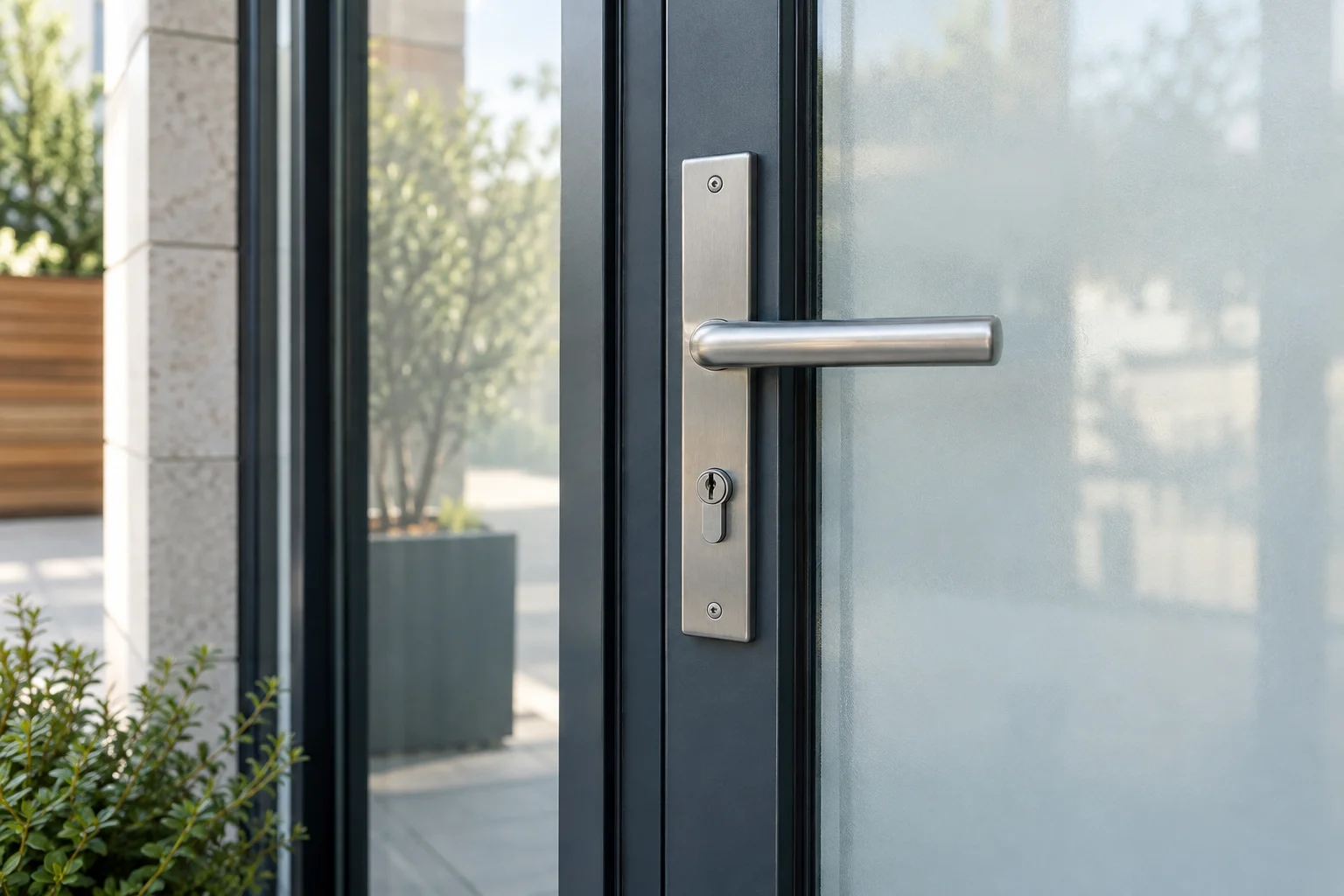
Smart locks add electronic operation to door hardware. Depending on the model, you may use a keypad, app, credential or fingerprint. Some retain a mechanical key cylinder. Connected functions and backup access vary, so check the product rather than relying on its label.
Individual credentials can simplify guest or contractor access where supported. Removing one code is separate from revoking shared app permissions, administrator access or a physical backup key. Verify the removal on the actual system.
Retrofit designs versus full replacement
Retrofit products retain some existing hardware, but their designs differ. Some replace an interior operator; Level Bolt with Matter places its mechanism within compatible deadbolt hardware. Check supported parts and obtain any required manager or association permission even if the exterior appearance stays the same.
A full replacement changes the deadbolt assembly. It may add a keypad or other entry method, but some products are key-free. Check the door preparation, footprint and model-specific backup method rather than assuming new physical keys are included.
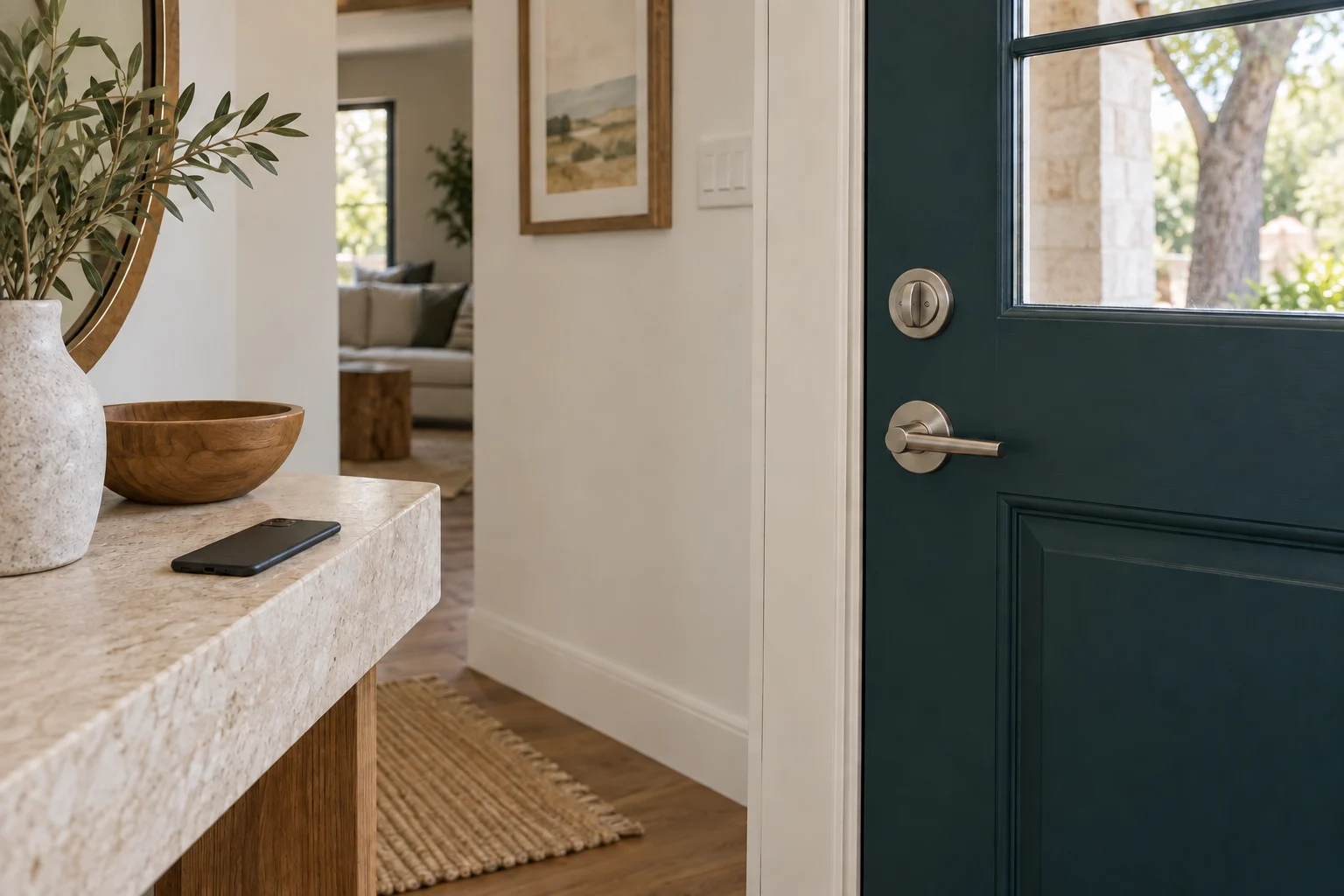
Interior deadbolt above a lever handle
Evaluating compatibility and offline operation
Check the door before installing a smart lock. A bolt that needs the door pulled into position may bind under motor operation too. Correct alignment and product fit matter; a new electronic lock will not cure a damaged frame.
Check what works without internet and what needs connected equipment. A model may retain local codes while remote features are unavailable, but the details depend on the lock and setup. Test the supported offline and depleted-battery procedures before relying on them.
Electronic locks need the batteries and maintenance specified by their maker. Battery life depends on the product, use and settings. Understand the low-battery warning and approved backup method before relying on the lock. Schlage lists different smart-lock features and backup options across its products; other makers also have model-specific instructions.
Comparing traditional and electronic hardware
| Feature | Traditional deadbolt | Electronic smart lock |
|---|---|---|
| Power source | None required | Batteries (usually AA or proprietary pack) |
| Guest access | Physical key handoff | Individual codes or app invitations where supported |
| Access revocation | Rekey or replace suitable hardware to invalidate a missing key | Remove supported electronic credentials; review backup keys separately |
| Remote operation | Not possible | Requires the model's supported network setup, which may include built-in Wi-Fi |
| Offline capability | Always mechanical | Check model-specific local entry and remote limitations |
Different controls, same door fit
Whether a key or motor moves the bolt, the opening still matters.
- Key or thumbturn
- Electronic control
- Same bolt
Pick the access routine
Prefer physical keys
Compare serviceable mechanical locks and a spare-key plan.
Need individual access
Check exact code or credential features and account ownership.
Door binds
Repair alignment before choosing a motorized option.
What actual models tell you
Schlage Encode Plus combines a Wi-Fi deadbolt with Apple home-key support. Sense Pro is a different product with Matter over Thread and supported-device UWB entry. Those differences matter more than simply calling both "smart." Compare your phone, home equipment, door fit and preferred backup before choosing.
Compare real hardware
Making the right decision for your property
A traditional lock suits a household that prefers physical keys and wants fewer electronic settings to manage. Compare the lock's actual security characteristics and door fit, and keep a spare-key plan. Mechanical hardware still needs attention when it becomes difficult to use.
A smart lock suits a household with changing access needs or people who prefer codes. Someone still needs to manage users, account recovery, updates and batteries. Include the lock, installation and any hub, subscription or accessory needed for the features you want. Ask what still works if the internet connection fails and how authorized entry works when batteries are depleted. Neither a higher price nor a phone app proves that the physical opening is stronger.
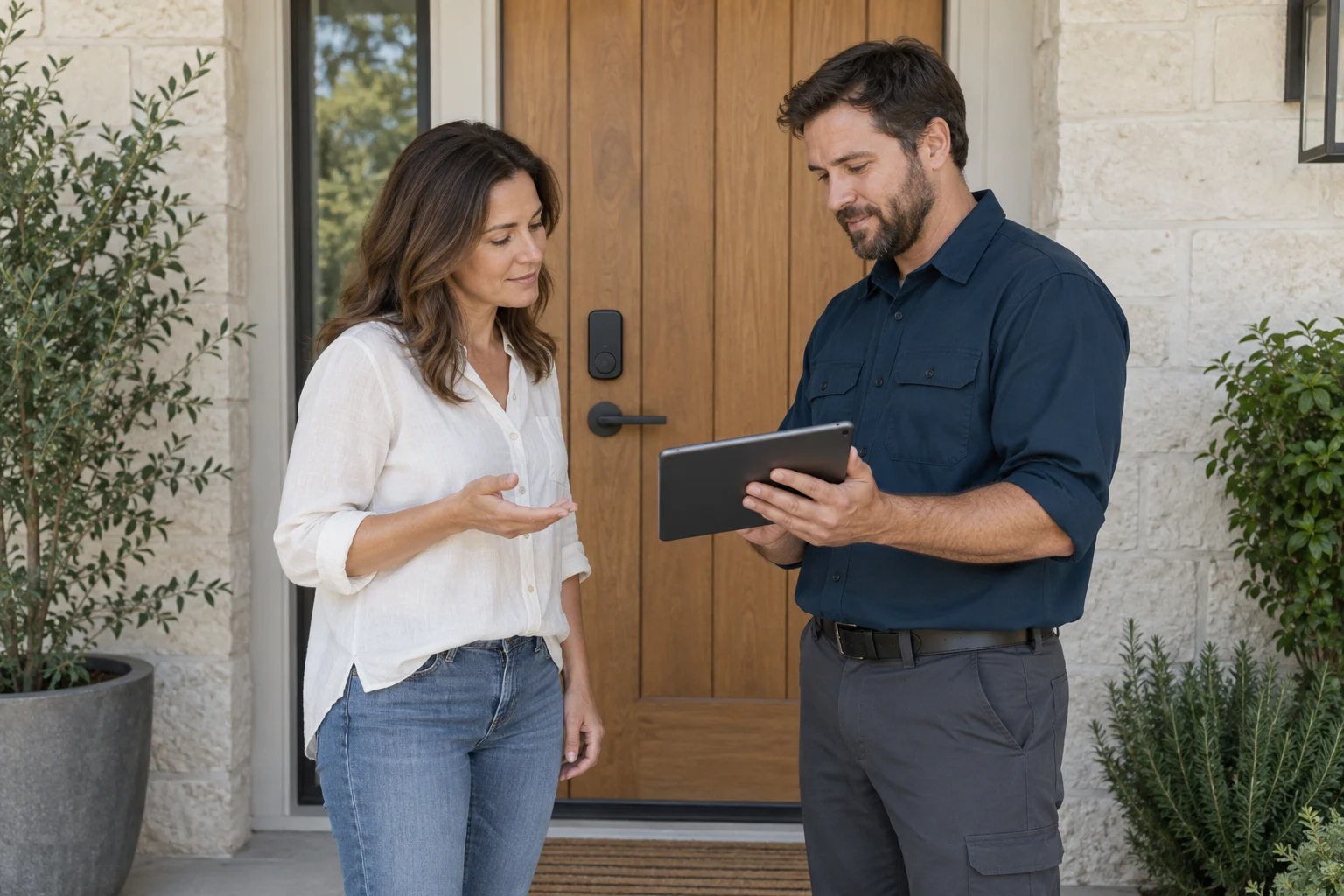
If you are considering upgrading your door hardware, ask a technician to evaluate your door frame for compatibility. Contact 512 Locksmith at (512) 777-0021 to discuss your options and request an installation quote. 512 Locksmith has served Austin for more than a decade.
Sources and further reading
- Level Bolt with MatterLevel
- smart-lock features and backup optionsSchlage
- Schlage Encode PlusSchlage
- Sense ProSchlage